Best Indoor Security Cameras in 2026
Wyze, Tapo, Ring, Google Nest, eufy and Blink indoor cameras compared on subscriptions, local storage, privacy features and placement etiquette.
- 6 picks
- 6 min read
- Updated Nov 20, 2026
As an Amazon Associate I earn from qualifying purchases. If you buy through a link here we may earn a commission, at no extra cost to you. Details
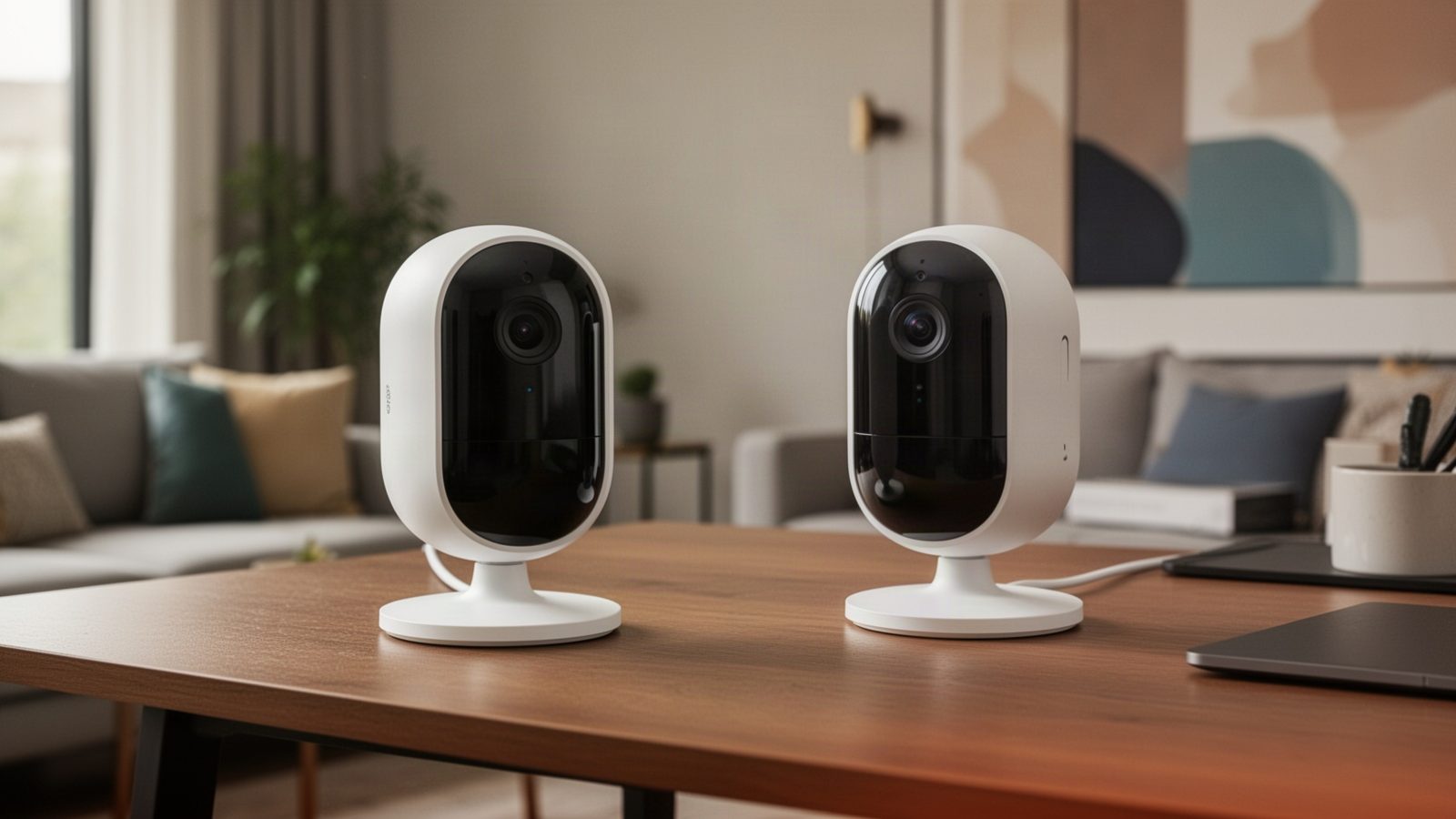
An indoor camera lets you check on a dog that hates being left alone, see that the kids got home from school, or get an alert if someone opens the back door while you're at work. Most plug into a wall outlet, connect to Wi-Fi and send motion or person alerts to your phone, and many let you talk through a built-in speaker.
The hardware is now affordable; the real differences are in the ongoing costs and privacy. Some cameras record to a microSD card in the camera, others save clips only to the cloud with a monthly plan, and some offer both. Privacy features range from a physical lens cover to app-only privacy modes. We compared the most popular indoor cameras on video quality, storage options, subscription requirements, privacy controls and smart home support, so you can choose the right camera for your home and your budget, and set it up in a way that respects everyone who lives there or visits.
The lineup
 Best overall Wyze Cam v4
Most homes that want sharp video without a required plan
9.0 Buy Now on Amazon
 Best pan and tilt TP-Link Tapo C210 Pan/Tilt Camera
Covering a whole room from one shelf
8.7 Buy Now on Amazon
 Best physical privacy cover Ring Indoor Cam (2nd Gen)
Alexa and Ring households
8.6 Buy Now on Amazon
 Best for Google Home Google Nest Cam Indoor (3rd gen, wired)
Google Home and Nest households
8.5 Buy Now on Amazon
 Best without a subscription eufy Security Indoor Cam Pan & Tilt
Owners who want local AI alerts with no monthly fee
8.4 Buy Now on Amazon
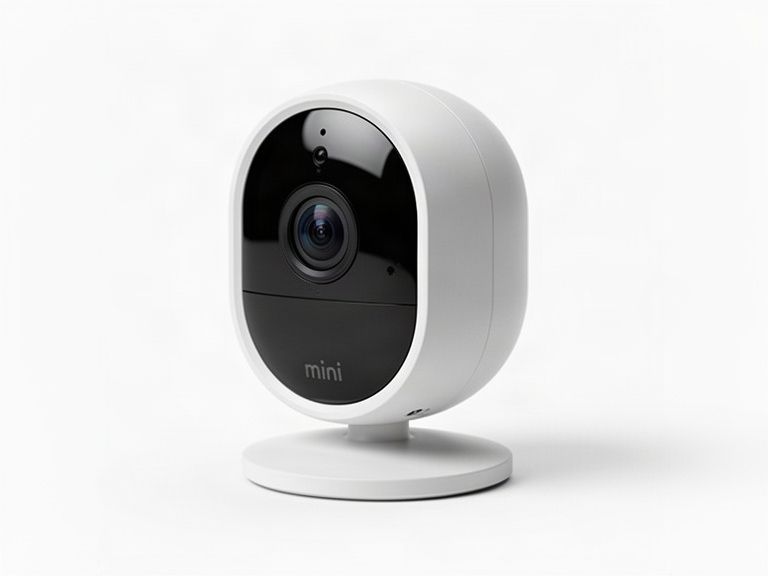 Best for Blink owners Blink Mini 2
Adding a budget camera to a Blink system
8.1 Buy Now on Amazon
AI picture
- Resolution2.5K
- Local storagemicroSD card slot
- SubscriptionOptional (Cam Plus)
- Pan and tiltNo
#1Best overall9.0/10
Wyze Cam v4
Wyze
A budget-friendly 2.5K camera with local microSD recording, color night vision and a weather-resistant body.
Good for: Most homes that want sharp video without a required plan
- Sharp 2.5K video for the price
- Records locally to a microSD card with no plan
- Built-in spotlight and color night vision
- Weather-resistant, so it can also work outdoors
- Best smart detection needs the Cam Plus plan
- No physical lens cover
- Wyze has had security lapses in the past, so account security matters
The Wyze Cam v4 delivers more than its budget-friendly price suggests. Its 2.5K video is sharp enough to zoom into a clip, a built-in spotlight helps with color night vision, and a microSD slot lets it record continuously or on motion without a subscription. It is even rated for outdoor use.
Cam Plus, Wyze's optional plan, adds cloud storage and person, package and pet detection. Without it you still get live view, motion alerts and local recording.
Wyze has had security incidents in the past, including incidents in 2023 and 2024 in which some users briefly saw images from other people's cameras. Turn on two-factor authentication, keep the app updated, and use privacy mode when you're home.
The short version: The best all-round indoor camera for most people, with no subscription required.
AI picture- Resolution2K (3MP)
- Local storagemicroSD card slot
- SubscriptionOptional (Tapo Care)
- Pan and tiltYes
#2Best pan and tilt8.7/10
TP-Link Tapo C210 Pan/Tilt Camera
TP-Link · Model C210
A long-running, budget-friendly pan-and-tilt camera that records to microSD and follows motion around the room.
Good for: Covering a whole room from one shelf
- Pans and tilts to see an entire room
- Motion tracking can follow a pet or person
- Local microSD recording without a plan
- Privacy mode in the app
- Needs a shelf or ceiling mount to work well
- Smartest alerts and cloud clips need Tapo Care
The Tapo C210 is one of the most popular pan-and-tilt cameras because it covers a lot of ground for a budget-friendly price. Set it on a shelf and you can swing the view around an entire room from the app, or let motion tracking follow a pet as it wanders.
It records to a microSD card, so a subscription is optional; Tapo Care adds cloud storage and more detailed alerts. Video is a crisp 2K, and night vision handles a dark room.
Privacy mode stops recording and live view when you're home. Like any pan-and-tilt camera, it works best placed high in a corner or on a shelf where it can see the whole space.
The short version: The best way to watch an entire room with one inexpensive camera.
AI picture- Resolution1080p HD
- Local storageNone (cloud only)
- SubscriptionNeeded to save and review video
- Pan and tiltNo
#3Best physical privacy cover8.6/10
Ring Indoor Cam (2nd Gen)
Ring
A simple plug-in camera with a manual lens cover and tight integration with Alexa and other Ring devices.
Good for: Alexa and Ring households
- Manual privacy cover blocks the lens and microphone
- Works with Echo Show, Fire TV and Ring Alarm
- Compact and easy to place
- Polished, reliable app
- Recorded video requires a Ring subscription
- No local storage option
The second-generation Ring Indoor Cam's standout feature is a slide-down privacy cover that physically blocks the lens and turns off the microphone, which gives clear peace of mind when you're home. It is small, easy to put on a shelf or wall, and records 1080p video with night vision.
It fits neatly into that ecosystem: you can view it on an Echo Show or Fire TV and link it with Ring Alarm and doorbells in one app.
The catch is that recordings live only in the cloud. Without a Ring subscription you get live view and alerts but can't review past events, so budget for a plan if you want recordings.
The short version: The best indoor camera for Ring and Alexa homes that value a physical privacy cover.
AI picture- Resolution2K
- Local storageNo card slot
- SubscriptionShort free history; Google Home Premium for more
- Pan and tiltNo
#4Best for Google Home8.5/10
Google Nest Cam Indoor (3rd gen, wired)
Google’s plug-in indoor camera, with 2K video and Gemini-powered alerts available through Google Home Premium.
Good for: Google Home and Nest households
- Strong video quality and wide view
- Descriptive smart alerts with Google Home Premium
- Shows on Nest Hub displays and Google TV
- Can switch off automatically when you're home
- Best features need a Google Home Premium plan
- No microSD backup
- Premium-priced for an indoor camera
Google's latest wired Nest Cam Indoor moves to 2K video with a wide field of view, and it is the obvious choice if your home runs on Google Home. It appears on Nest Hub displays and Google TV, and the Google Home app can turn it off automatically when everyone's phone is home.
The smartest features, including Gemini-powered descriptions of what happened and longer video history, require Google Home Premium. Without a plan you get live view, alerts and a short window of recent events.
There's no microSD slot for local backup, so it depends on your internet connection and Google's cloud. If you want a camera that works fully without a plan, look at Wyze or eufy instead.
The short version: The best indoor camera for Google Home users willing to pay for the smartest alerts.
AI picture- Resolution2K
- Local storagemicroSD card slot
- SubscriptionNot required
- Pan and tiltYes
#5Best without a subscription8.4/10
eufy Security Indoor Cam Pan & Tilt
eufy
A pan-and-tilt indoor camera from Anker’s eufy brand that records locally and includes on-device person and pet detection.
Good for: Owners who want local AI alerts with no monthly fee
- On-device person and pet detection without a plan
- Local microSD recording
- Pans and tilts to cover a room
- Works with Alexa and Google Assistant
- eufy faced criticism in 2022 over undisclosed cloud thumbnail uploads
- App has many menus to learn
eufy's main appeal is that its indoor cameras do most of their work locally. The pan-and-tilt indoor models record to a microSD card and run person and pet detection on the camera itself, so you get useful alerts without paying monthly. Pan and tilt lets one camera cover a whole room, and it works with Alexa and Google Assistant for viewing on smart displays.
There are several eufy indoor models with similar names; check resolution and features on the listing before buying.
Anker's eufy brand was criticized in 2022 after researchers showed some cameras uploaded thumbnails to the cloud despite local-only marketing, and the company later changed its practices and disclosures. Review the privacy settings when you set it up.
The short version: A strong choice if avoiding subscriptions is your top priority.
AI picture- Resolution1080p HD
- Local storageUSB drive via Sync Module 2 (sold separately)
- SubscriptionOptional Blink plan for cloud clips
- Pan and tiltNo
#6Best for Blink owners8.1/10
Blink Mini 2
Blink
A compact plug-in camera with a built-in spotlight that works alongside other Blink cameras.
Good for: Adding a budget camera to a Blink system
- Very budget-friendly and compact
- Built-in spotlight for color night view
- Works with Echo Show and Fire TV
- Optional outdoor power adapter
- Local recording needs a separate Sync Module 2 and USB drive
- 1080p is softer than 2K rivals
The Blink Mini 2 is one of the smallest and most budget-friendly cameras from a major brand. It improves on the original Mini with a built-in spotlight for color night viewing and a wider view, and it can be used outdoors with Blink's optional weather-resistant power adapter.
Blink works with Echo Show displays and Fire TV. You can save clips to the cloud with a Blink plan, or locally to a USB drive plugged into a Sync Module 2 if you add one.
It makes the most sense if you already have Blink cameras or want a very simple camera for one room. For local storage without extra hardware, the Wyze Cam v4 is easier.
The short version: A simple, budget-friendly addition for homes already using Blink.
Compare at a glance
| Pick | Resolution | Local storage | Subscription | Pan and tilt | Score |
|---|---|---|---|---|---|
| #1 Wyze Cam v4 | 2.5K | microSD card slot | Optional (Cam Plus) | No | 9.0 |
| #2 TP-Link Tapo C210 Pan/Tilt Camera | 2K (3MP) | microSD card slot | Optional (Tapo Care) | Yes | 8.7 |
| #3 Ring Indoor Cam (2nd Gen) | 1080p HD | None (cloud only) | Needed to save and review video | No | 8.6 |
| #4 Google Nest Cam Indoor (3rd gen, wired) | 2K | No card slot | Short free history; Google Home Premium for more | No | 8.5 |
| #5 eufy Security Indoor Cam Pan & Tilt | 2K | microSD card slot | Not required | Yes | 8.4 |
| #6 Blink Mini 2 | 1080p HD | USB drive via Sync Module 2 (sold separately) | Optional Blink plan for cloud clips | No | 8.1 |
Specs come from manufacturer listings when we wrote this guide and can change between production runs.
Buying tips
Subscription or local storage?
This is the biggest long-term cost difference between cameras.
- Cloud plans store motion clips online, so footage survives if the camera is stolen or unplugged, and they often add smarter alerts such as person, package or pet detection. Ring and Google require a plan to save more than a small amount of history.
- Local storage on a microSD card (Wyze, Tapo, eufy) avoids monthly fees. You can review clips in the app, but a thief who takes the camera takes the footage too.
- Mixed approaches exist: Blink can save clips to a USB drive plugged into a Sync Module, and some brands let you use both card and cloud.
Before buying, check what the camera does with no subscription at all: live view, alerts, and how much recorded history you get.
Video quality, night vision and field of view
1080p is enough to recognize faces across a living room; 2K and 2.5K cameras make it easier to zoom into a recording. Wider fields of view cover more of a room from a corner, and pan-and-tilt cameras can sweep an entire room from a shelf. Infrared night vision works in total darkness in black and white; some cameras add a small spotlight or sensitive sensor for color at night.
Privacy and placement etiquette
- Never place cameras in bathrooms or where guests sleep or change, and think twice about bedrooms in general.
- Tell everyone in the home, and tell visitors, sitters and cleaners when cameras are running. Laws on recording, especially audio, vary by state, so check the rules where you live and switch off audio if you're unsure.
- Use a camera with a physical cover or a reliable privacy mode so you can turn it off when you're home. Many apps can disable cameras automatically when your phone is home.
- Point cameras at entrances and common areas, not at a neighbor's windows.
Account security matters as much as the camera
Use a unique password and turn on two-factor authentication for the camera account. Keep firmware updated, share access through the app's family or shared-user feature instead of handing out your login, and remove access for anyone who no longer needs it.
Features worth paying for
- Person and pet detection cuts down on alerts from shadows and moving curtains.
- Pan and tilt is worth it for large rooms or for following a pet around.
- Smart home support matters if you want to view cameras on an Echo Show, Nest Hub or TV, or turn them off with a routine.
Skip extreme resolutions you will rarely use, and don't pay for a cloud tier with more history than you'll ever review.
FAQ
QDo I need a subscription for an indoor security camera?
Not always. Cameras with a microSD slot, such as Wyze, Tapo and eufy models, can record locally without a plan, and live view and basic alerts usually work for free. Ring and Google cameras need a paid plan to keep more than a small amount of recorded history.
QCan I use an indoor camera outside?
Only if the maker says it is rated for outdoor use. A few indoor cameras, including the Wyze Cam v4, carry a weather-resistance rating, and Blink sells an outdoor power adapter for the Mini 2. Most indoor cameras should stay indoors.
QIs it legal to record a babysitter or house cleaner?
Rules vary by state and are stricter for audio than video. Many people disclose cameras to anyone working in their home, never record in bathrooms or private areas, and turn off audio recording. Check your state’s laws if you are unsure.
QHow do I stop my camera from being hacked?
Use a unique, strong password, turn on two-factor authentication, keep the camera and app updated, and share access through the app’s shared-user feature rather than giving out your login. Also secure your Wi-Fi router with a strong password and current firmware.
QCan I view my camera on an Echo Show or TV?
Usually, if the camera works with your platform. Ring and Blink cameras show on Echo Show displays and Fire TV, Google Nest cameras show on Nest Hubs and Google TV, and many other brands support one or both through their skills or integrations.
How we picked
We compared manufacturer specifications for resolution, field of view, night vision, storage options and privacy features, along with subscription terms, smart home integrations and each brand's security and privacy track record, for the most popular plug-in indoor cameras available in the US. We also weighed owner feedback and professional reviews. Our picks and scores are based on this research — we have not tested these products hands-on. Brands cannot pay to be included. Read our full method.
In the same aisle
More indoor security cameras to browse
A random pull from our product catalog, not ranked or reviewed.