Best Chromebooks in 2026
Six Chromebooks compared, including Chromebook Plus models with faster chips and Google AI features, with clear advice on update dates, screens and memory.
- 6 picks
- 6 min read
- Updated Nov 20, 2026
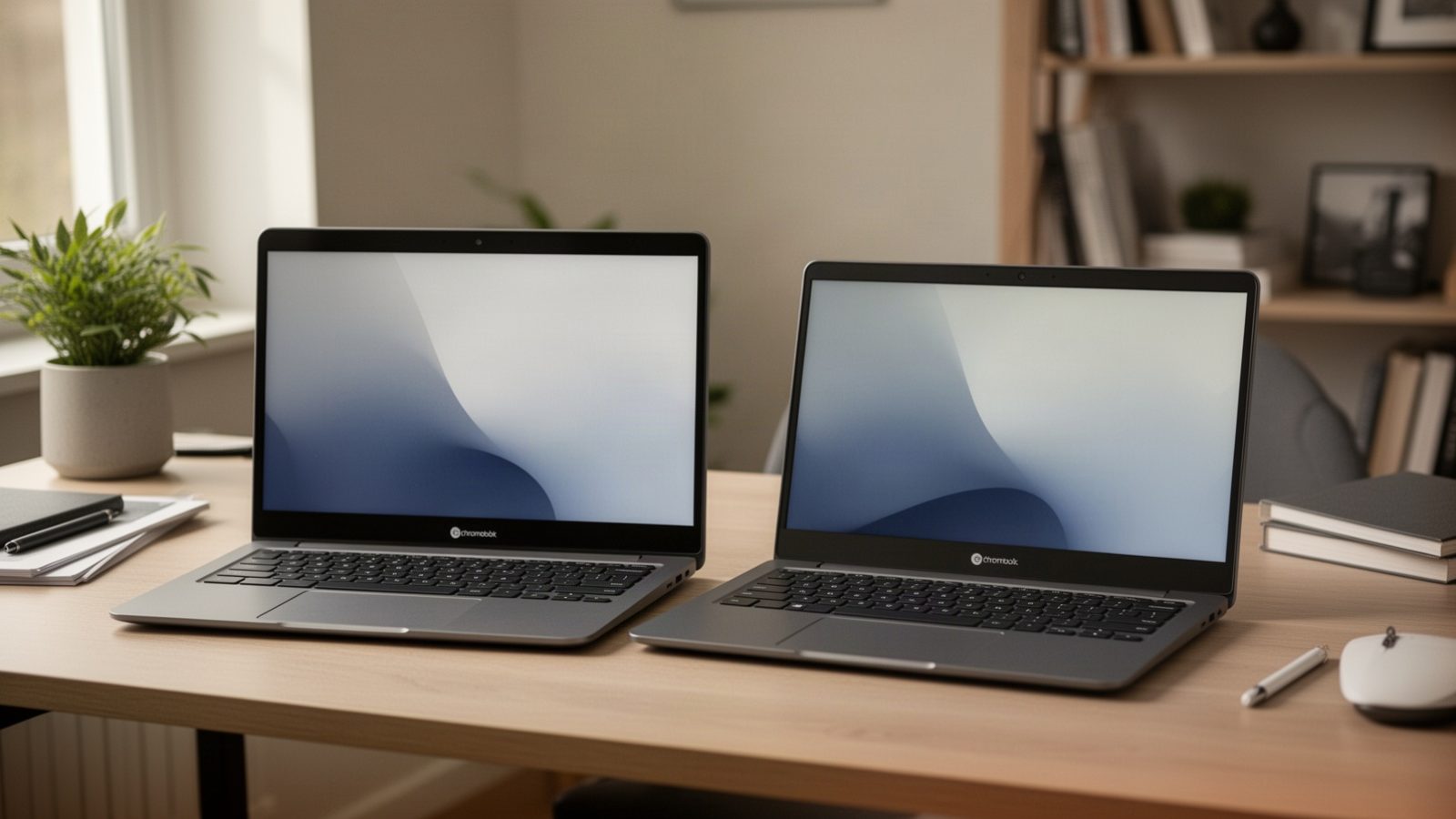
As an Amazon Associate I earn from qualifying purchases. If you buy through a link here we may earn a commission, at no extra cost to you. Details
A Chromebook is a laptop built around Google's ChromeOS: it boots in seconds, updates itself quietly in the background, has built-in malware protection and syncs everything to your Google account. For anyone whose day happens mostly in a web browser — email, Google Docs, web-based Microsoft 365, streaming, school portals — it can be faster and less fuss than a similarly priced Windows laptop.
Buying one well takes a little homework. Google's Chromebook Plus label now separates capable machines from bare-minimum ones, and every Chromebook has an expiration date for software updates that matters more than almost any spec. We compared current Chromebooks from Acer, Lenovo, Samsung and ASUS on processor, memory, screen quality, form factor, update support and professional reviews, and picked the best options for students, families and anyone who wants a simple second computer.
The lineup
 Best overall Acer Chromebook Plus 514
Most people who want a capable everyday Chromebook
9.1 Buy Now on Amazon
 Best premium Lenovo Chromebook Plus 14
People who want the best ChromeOS experience
9.0 Buy Now on Amazon
 Best 2-in-1 Lenovo IdeaPad Flex 5i Chromebook Plus
Students who want a laptop that folds into a tablet
8.8 Buy Now on Amazon
 Best big screen Samsung Galaxy Chromebook Plus
People who want a large screen that is still easy to carry
8.7 Buy Now on Amazon
 Best value ASUS Chromebook Plus CX34
Budget buyers who still want Chromebook Plus speed
8.5 Buy Now on Amazon
 Best tablet Lenovo Chromebook Duet (11-inch)
Kids, travel and couch browsing
8.3 Buy Now on Amazon
AI picture
- Screen14-inch 1080p-class IPS
- Form factorClamshell
- Chromebook PlusYes
- ProcessorIntel Core, AMD Ryzen or MediaTek (varies by version)
#1Best overall9.1/10
Acer Chromebook Plus 514
Acer
A well-priced 14-inch Chromebook Plus with a sharp screen, a comfortable keyboard and plenty of speed for daily work.
Good for: Most people who want a capable everyday Chromebook
- Meets the Chromebook Plus bar for speed, memory and webcam
- Sharp 14-inch screen
- Comfortable keyboard and good port mix
- Widely available in several configurations
- Several versions with different processors share the name
- Plain design
- Check the AUE date, as older versions are still sold
Acer's Chromebook Plus 514 is the sensible default Chromebook for most people. It meets Google's Chromebook Plus requirements, so you get at least 8GB of memory, 128GB of storage, a 1080p-class screen and a 1080p webcam, plus Google's Plus-only AI features.
The 14-inch screen is a good balance between portability and room to work, and Acer's keyboards are comfortable for long writing sessions. Acer has sold the 514 with Intel Core, AMD Ryzen and MediaTek processors; all are quick for browser-based work, while the Intel and AMD versions have a little more headroom for heavy multitasking.
Because several generations share the name, check the processor and the auto-update expiration date before buying. If you want a bigger screen, the closely related Chromebook Plus 515 offers the same idea at 15.6 inches.
The short version: The best all-round Chromebook for the money — just confirm you are buying a recent version.
AI picture- Screen14-inch 1920 x 1200 OLED
- Form factorClamshell
- Chromebook PlusYes
- ProcessorMediaTek Kompanio Ultra 910
#2Best premium9.0/10
Lenovo Chromebook Plus 14
Lenovo
A light 14-inch Chromebook Plus with an OLED screen, MediaTek's Kompanio Ultra chip and very long battery ratings.
Good for: People who want the best ChromeOS experience
- Vivid OLED screen
- Lenovo rates the battery for up to 17 hours
- 12GB or 16GB of memory, more than most Chromebooks
- Light and slim for a 14-inch laptop
- Premium-priced for a Chromebook
- Touchscreen is limited to higher configurations
- Arm-based chip may not suit every Linux or Android app
Lenovo's Chromebook Plus 14 is one of the most polished Chromebooks available. It uses MediaTek's Kompanio Ultra 910, an efficient Arm chip that reviewers found fast for ChromeOS, and pairs it with 12GB or 16GB of memory — generous by Chromebook standards.
The 14-inch OLED screen is a big step up from the IPS panels on most Chromebooks, with deep blacks and rich color. Lenovo rates the battery for up to 17 hours; independent reviews report somewhat less but still excellent endurance, so a full day away from an outlet is realistic.
It costs noticeably more than mainstream Chromebooks, and the base configuration skips the touchscreen. If you live in ChromeOS all day and want a laptop that feels premium, it is worth the step up.
The short version: The Chromebook to get if you want a premium screen and battery life that lasts all day.
AI picture- Screen14-inch touchscreen
- Form factor360-degree convertible
- Chromebook PlusYes
- ProcessorIntel Core i3 or i5 (varies by version)
#3Best 2-in-18.8/10
Lenovo IdeaPad Flex 5i Chromebook Plus
Lenovo
A 14-inch convertible Chromebook Plus with a touchscreen, an Intel Core processor and stylus support.
Good for: Students who want a laptop that folds into a tablet
- Folds into tent, stand and tablet modes
- Responsive Intel Core performance
- Supports USI stylus pens for notes and sketching
- Fingerprint reader on many versions
- Heavier than a clamshell, at around 3.5 lb
- Stylus usually sold separately
- Base versions have only 128GB of storage
The IdeaPad Flex 5i Chromebook Plus is a long-running favorite because it does a bit of everything. Its 14-inch touchscreen flips around a 360-degree hinge, so you can use it as a laptop for writing, prop it up in tent mode for videos, or fold it flat to read and annotate.
Intel Core i3 and i5 versions meet the Chromebook Plus requirements and feel snappy in everyday use. It supports USI stylus pens, which turns it into a handy note-taking device for students, though a pen typically isn't included.
The trade-off is weight: at around three and a half pounds it is heavier than slim clamshells, and it feels it as a tablet. Lenovo has sold it for several years, so check the processor generation and AUE date.
The short version: The most versatile Chromebook Plus for students who want touch, tablet and pen support.
AI picture- Screen15.6-inch 1080p OLED
- Form factorClamshell
- Chromebook PlusYes
- ProcessorIntel Core 3 100U
#4Best big screen8.7/10
Samsung Galaxy Chromebook Plus
Samsung
A remarkably thin and light 15.6-inch Chromebook Plus with an OLED screen and Google's Quick Insert key.
Good for: People who want a large screen that is still easy to carry
- Large OLED screen in a body of about 2.6 lb
- Quick Insert key gives fast access to Google's AI tools
- USB-C, USB-A, HDMI and microSD ports
- 256GB of storage
- No touchscreen
- Entry-level processor for its price
- Premium-priced compared with mainstream Chromebooks
Samsung's Galaxy Chromebook Plus solves the usual problem with big-screen laptops: weight. It puts a 15.6-inch OLED screen into a slim body of about 2.6 pounds, lighter than many 14-inch laptops, so you get room for side-by-side windows without a heavy bag.
It was the first Chromebook with Google's Quick Insert key, which pulls up search, emoji, recent files and Gemini-powered writing help wherever you are typing. Samsung also includes a useful port mix — two USB-C ports, USB-A, HDMI and a microSD slot — and 256GB of storage.
The screen is not a touchscreen, and the Intel Core 3 chip is an entry-level part, fine for browser work but not the fastest here. It suits people who value the big, rich screen above everything else.
The short version: The best Chromebook for a big, beautiful screen that is still light enough to carry daily.
AI picture- Screen14-inch 1080p
- Form factorClamshell
- Chromebook PlusYes
- ProcessorIntel Core i3 or i5 (varies by version)
#5Best value8.5/10
ASUS Chromebook Plus CX34
ASUS
A budget-friendly 14-inch Chromebook Plus with an Intel Core processor and a 1080p screen.
Good for: Budget buyers who still want Chromebook Plus speed
- Chromebook Plus performance at a budget-friendly level
- Intel Core processor handles many tabs well
- Full HD screen and 1080p webcam
- Simple, practical design
- Plastic build feels basic
- Screen is dimmer than premium models
- Older platform means an earlier AUE date than the newest models
The ASUS Chromebook Plus CX34 shows how much the Chromebook Plus standard raised the floor. For a budget-friendly price you get an Intel Core processor, 8GB of memory, a 1080p screen and a 1080p webcam — specs that keep ChromeOS feeling quick even with many tabs and a video call open.
It is a plain, plastic laptop and the screen is serviceable rather than bright, but the keyboard is comfortable and it is a big step up from 4GB Chromebooks with low-power chips.
The CX34 has been on sale since 2023, so its update window is shorter than the newest models. Check the auto-update expiration date when you buy; it still offers years of support, but less than a brand-new platform.
The short version: The best way to get Chromebook Plus speed on a tight budget.
AI picture- Screen11-inch touchscreen
- Form factorDetachable tablet with keyboard
- Chromebook PlusNo
- ProcessorMediaTek Kompanio 838
#6Best tablet8.3/10
Lenovo Chromebook Duet (11-inch)
Lenovo
A small detachable Chromebook tablet with a clip-on keyboard, pen support and long battery life.
Good for: Kids, travel and couch browsing
- Very light and compact tablet of about 1.1 lb
- Detachable keyboard included
- Supports USI 2.0 stylus pens
- Great for reading, video and Android apps
- Cramped keyboard for long typing
- Not a Chromebook Plus, and some versions have only 4GB of memory
- Too small for serious multitasking
The Chromebook Duet is a tablet first and a laptop second, and that is its charm. The current 11-inch model runs MediaTek's Kompanio 838 chip, weighs around a pound on its own and comes with a detachable keyboard cover with a kickstand, so it is easy to toss in a bag for travel or hand to a child.
It supports USI 2.0 pens, and some bundles include one, which makes it handy for handwritten notes and sketching. Battery life is long, and as a ChromeOS tablet it runs Android apps alongside the full Chrome browser.
It is not a Chromebook Plus, and the smallest versions have only 4GB of memory. The keyboard is cramped for long essays, so treat it as a companion device rather than a main laptop.
The short version: A charming, ultra-portable ChromeOS tablet for light use, kids and travel.
Compare at a glance
| Pick | Screen | Form factor | Chromebook Plus | Processor | Score |
|---|---|---|---|---|---|
| #1 Acer Chromebook Plus 514 | 14-inch 1080p-class IPS | Clamshell | Yes | Intel Core, AMD Ryzen or MediaTek (varies by version) | 9.1 |
| #2 Lenovo Chromebook Plus 14 | 14-inch 1920 x 1200 OLED | Clamshell | Yes | MediaTek Kompanio Ultra 910 | 9.0 |
| #3 Lenovo IdeaPad Flex 5i Chromebook Plus | 14-inch touchscreen | 360-degree convertible | Yes | Intel Core i3 or i5 (varies by version) | 8.8 |
| #4 Samsung Galaxy Chromebook Plus | 15.6-inch 1080p OLED | Clamshell | Yes | Intel Core 3 100U | 8.7 |
| #5 ASUS Chromebook Plus CX34 | 14-inch 1080p | Clamshell | Yes | Intel Core i3 or i5 (varies by version) | 8.5 |
| #6 Lenovo Chromebook Duet (11-inch) | 11-inch touchscreen | Detachable tablet with keyboard | No | MediaTek Kompanio 838 | 8.3 |
Specs come from manufacturer listings when we wrote this guide and can change between production runs.
Buying tips
What a Chromebook can and can't do
Chromebooks run the Chrome browser, web apps, Android apps from Google Play and, on capable models, Linux apps for coding. They handle Google Workspace, Microsoft 365 on the web, Zoom, Netflix and most school platforms well. They cannot run full Windows or Mac programs such as Adobe Premiere Pro, desktop Microsoft Office with all its features, or most PC games (cloud gaming services are the workaround). If you depend on a specific desktop program, check for a web version first.
Chromebook vs Chromebook Plus
Chromebook Plus is a Google certification for models that meet a higher hardware floor: a 12th Gen Intel Core i3, AMD Ryzen 3 7000-series or equivalent processor, at least 8GB of memory, at least 128GB of storage, a 1080p IPS-class screen and a 1080p webcam. Plus models also get Google's extra AI and productivity features, such as Help me read and Help me write. For most adults and older students, Plus is worth the step up; ordinary Chromebooks with 4GB of memory slow down quickly with many tabs open.
Check the auto-update (AUE) date
Every Chromebook has an Auto Update Expiration (AUE) date, after which it stops getting security and feature updates. Google now supports Chromebooks for up to 10 years, but the clock starts when the hardware platform was first released, not when you buy. An older model on clearance may have only a few years left. You can look up the date on Google's Auto Update policy page, or on a Chromebook under Settings > About ChromeOS > Additional details.
Screen and form factor
- Clamshell: a traditional laptop; usually the best keyboard and value.
- 360-degree convertible: folds into a tablet, handy for note-taking with a USI stylus.
- Detachable: a tablet with a clip-on keyboard; the lightest option but cramped for long typing.
A 14-inch screen is the sweet spot for portability. Avoid 1366 x 768 screens — 1920 x 1080 or higher looks far sharper.
Specs worth paying for
- 8GB of memory at minimum; 4GB is only fine for very light use.
- 128GB of storage is plenty, since files live in Google Drive.
- Backlit keyboard if you work in dim rooms.
- USB-C charging on both sides makes plugging in easier.
Tips for families and schools
Google Family Link lets parents set screen-time limits and approve apps on a child's Chromebook. School-issued Chromebooks are managed by the school, so check before adding personal accounts. For young kids, a rugged or detachable model with a spill-resistant keyboard is worth the trade-off in speed.
FAQ
QWhat is the difference between a Chromebook and a Chromebook Plus?
Chromebook Plus models meet Google's higher minimum specs — a faster processor, at least 8GB of memory, 128GB of storage, a 1080p screen and a 1080p webcam — and get extra Google AI and productivity features. Regular Chromebooks can have much weaker hardware.
QHow long will a Chromebook get updates?
Google now supports Chromebooks for up to 10 years, counted from when the hardware platform was first released rather than from your purchase date. Check the Auto Update Expiration date on Google's policy page or in Settings > About ChromeOS before you buy.
QCan a Chromebook run Microsoft Word and Excel?
Yes, through the free web versions of Microsoft 365 in the browser, which cover most everyday tasks. The full desktop versions of Office do not run on ChromeOS.
QDo Chromebooks need antivirus software?
Google builds malware protection into ChromeOS, including verified boot and sandboxing, so separate antivirus software isn't generally needed. Keeping the Chromebook updated and avoiding unknown extensions matters more.
QCan you play games on a Chromebook?
You can play Android games and browser games, and cloud gaming services such as NVIDIA GeForce NOW and Xbox Cloud Gaming stream PC and console games over a fast internet connection. Most installed PC games will not run.
How we picked
We compared current Chromebooks and Chromebook Plus models from Acer, Lenovo, Samsung and ASUS on manufacturer specifications — processor, memory, storage, screen type and resolution, form factor, ports and weight — together with Google's Chromebook Plus requirements, auto-update policies and published professional reviews. Our picks and scores are based on this research — we have not tested these products hands-on. Brands cannot pay to be included. Read our full method.
In the same aisle
More chromebooks to browse
A random pull from our product catalog, not ranked or reviewed.