Best Xbox Controllers in 2026
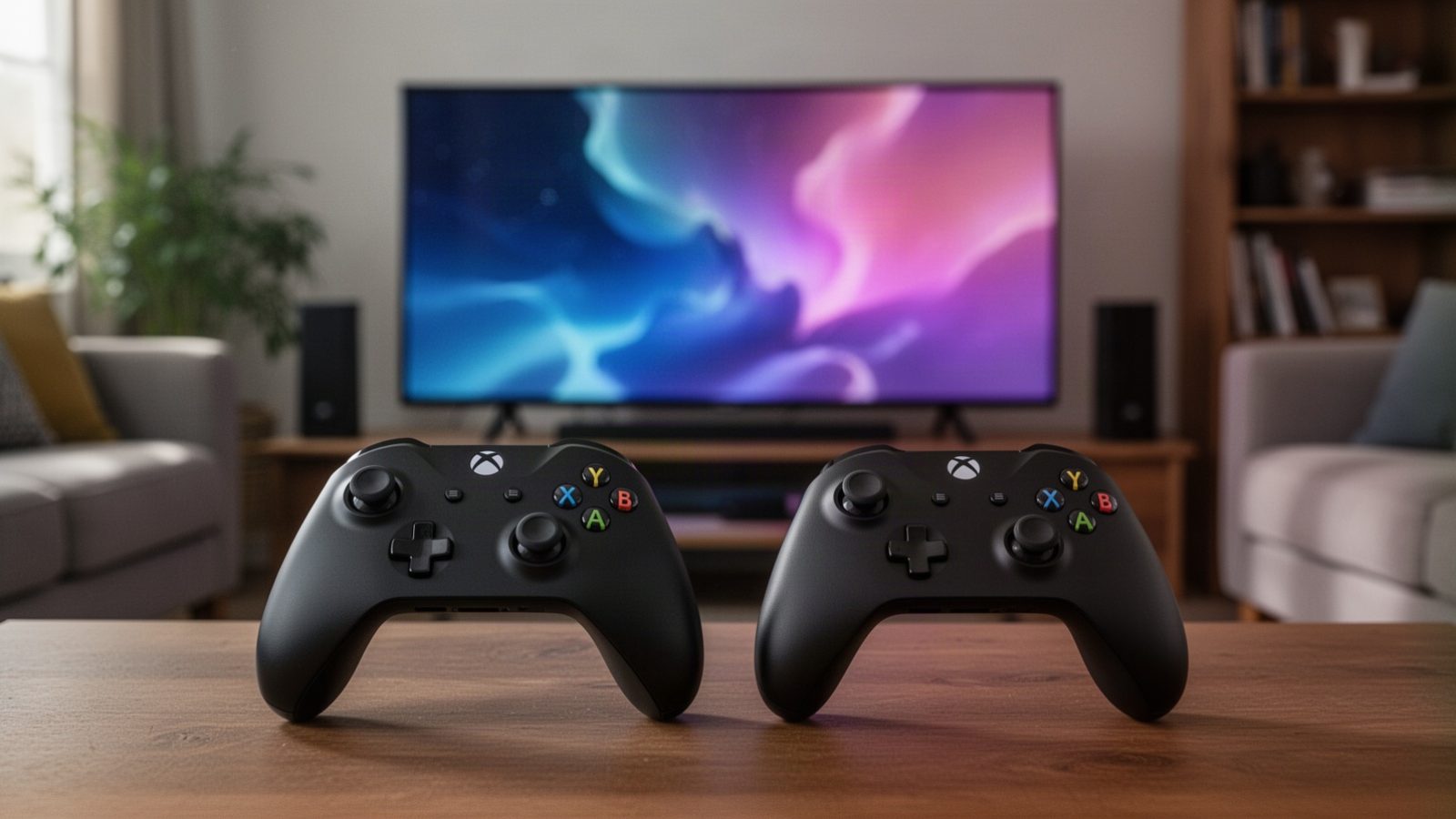
Six Xbox controllers compared — the standard Xbox Wireless Controller, the Elite Series 2, licensed pro and budget pads, and the Xbox Adaptive Controller.
- 6 picks
- 5 min read
- Updated Nov 20, 2026
As an Amazon Associate I earn from qualifying purchases. If you buy through a link here we may earn a commission, at no extra cost to you. Details
The controller that comes with an Xbox Series X|S is one of the best gamepads ever made, and it also works with Windows PCs and phones. But many players eventually want more: a second controller for co-op, back paddles for competitive games, a rechargeable battery, sticks that resist drift, or an adaptive layout for players with limited mobility.
Unlike PlayStation, Xbox has a large ecosystem of officially licensed third-party controllers, which means plenty of good options at every budget — and plenty of confusing ones. We compared official and licensed controllers on connection type, console and PC compatibility, power source, back buttons, stick technology and warranty terms to help you choose the right one, whether you need a budget-friendly second pad or a premium pro controller.
The lineup
 Best premium Xbox Elite Wireless Controller Series 2
Competitive and enthusiast players
9.0 Buy Now on Amazon
 Best third-party pro Razer Wolverine V3 Pro
Competitive players who want extra buttons and Hall effect sticks
8.6 Buy Now on Amazon
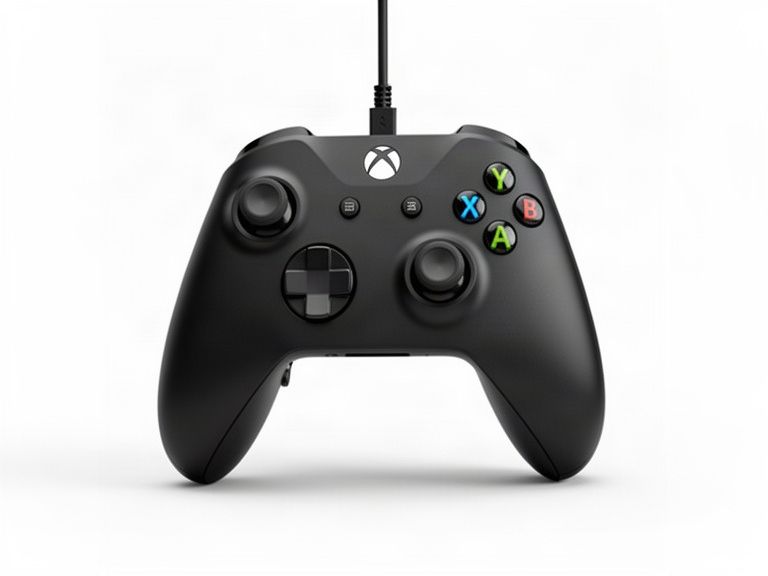 Best budget Hall effect 8BitDo Ultimate Wired Controller for Xbox
Budget buyers who want drift-resistant sticks
8.4 Buy Now on Amazon
 Best budget wired PowerA Enhanced Wired Controller for Xbox Series X|S
Kids and extra controllers for guests
8.0 Buy Now on Amazon
 Best for accessibility Xbox Adaptive Controller
Players with limited mobility
8.8 Buy Now on Amazon
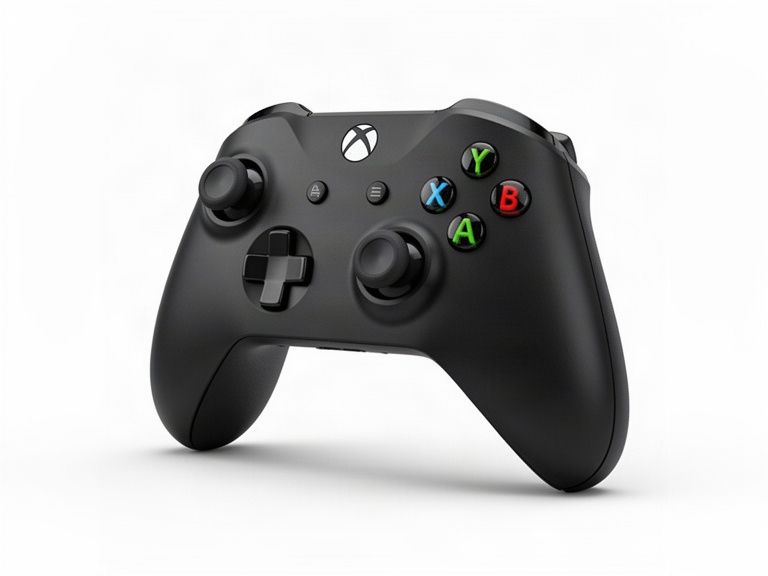 AI picture
- ConnectionXbox Wireless, Bluetooth, USB-C
- Works withXbox Series X|S, Xbox One, Windows PC, phones
- Rear buttonsNone
- Power2 AA batteries (included)
#1Best overall9.2/10
Xbox Wireless Controller
Microsoft
Microsoft's standard controller, with a comfortable shape, hybrid D-pad, Share button and Bluetooth.
Good for: Most Xbox players and PC gamers
- Comfortable, proven design
- Works with Xbox, PC and phones
- Share button for screenshots and clips
- AA batteries can be swapped instantly
- No built-in rechargeable battery
- No back paddles
- Sticks can develop drift over time
The Xbox Wireless Controller refines a design that has been popular for years. Its textured grips, hybrid D-pad and dedicated Share button make it comfortable and practical, and it connects to Xbox consoles directly, to PCs and phones over Bluetooth, or via USB-C.
It works across Xbox Series X|S, Xbox One and Windows PCs, so it's also one of the best PC controllers you can buy. It comes in many colors, and Xbox Design Lab lets you customize your own.
The main quirk is power: it runs on two AA batteries rather than a built-in rechargeable cell. That's actually handy — you can swap in fresh batteries instantly — but if you'd rather recharge, budget for rechargeable AAs or a Play & Charge Kit. There are no back paddles, and like most traditional sticks, they can develop drift over time.
The short version: The best controller for most Xbox and PC players, and the default choice for a second pad.
AI picture- ConnectionXbox Wireless, Bluetooth, USB-C
- Works withXbox Series X|S, Xbox One, Windows PC
- Rear buttons4 paddles
- PowerBuilt-in rechargeable battery
#2Best premium9.0/10
Xbox Elite Wireless Controller Series 2
Microsoft
Microsoft's pro controller, with adjustable-tension sticks, trigger locks, four paddles and a rechargeable battery.
Good for: Competitive and enthusiast players
- Four back paddles and three-stage trigger locks
- Adjustable thumbstick tension
- Swappable sticks and D-pad
- Charging case included with the full version
- Premium-priced
- Some units have reported bumper and grip issues over time
- Battery is not user-replaceable
The Elite Series 2 is Microsoft's premium controller, and it's packed with customization. You get four back paddles, trigger locks with three positions, adjustable thumbstick tension, and swappable thumbsticks and D-pads. You can save profiles and switch between them with a button on the controller.
It has a built-in rechargeable battery and a rubberized grip, and the full version comes with a charging case and accessory kit. A cheaper Core version skips the accessories, which you can add later with the Complete Component Pack.
It's premium-priced, and some owners have reported issues with bumpers and rubber grips over time, so keep your receipt and check the warranty. The battery is also built in rather than swappable. For players who want the most customizable official Xbox controller, though, it's the one to get.
The short version: The most customizable official Xbox controller, worth it for competitive and enthusiast players.
AI picture- ConnectionWireless (USB adapter), USB-C
- Works withXbox Series X|S, Xbox One, Windows PC
- Rear buttons4
- PowerBuilt-in rechargeable battery
#3Best third-party pro8.6/10
Razer Wolverine V3 Pro
Razer
A licensed wireless pro controller with Hall effect sticks, extra back buttons and clicky face buttons.
Good for: Competitive players who want extra buttons and Hall effect sticks
- Hall effect thumbsticks resist drift
- Four back buttons plus extra bumpers
- Mouse-click style face buttons
- Trigger stops for faster firing
- Premium-priced
- Needs its USB adapter for wireless
- Clicky buttons won't suit everyone
Razer's Wolverine V3 Pro is an officially licensed wireless controller aimed at competitive players. Its headline feature is Hall effect thumbsticks, which use magnetic sensors to resist the wear that causes stick drift.
It also has four back buttons and extra bumpers you can remap, trigger stops for faster firing, and face buttons with a short, clicky feel similar to a mouse. Wireless play uses Razer's USB adapter, and it can also be used wired, on Xbox or a Windows PC.
It's premium-priced, and you'll need to keep the USB adapter handy for wireless use. The clicky buttons are also a matter of taste. If you want pro features with drift-resistant sticks, it's a strong alternative to the Elite Series 2.
The short version: A strong pro alternative to the Elite with drift-resistant Hall effect sticks.
AI picture- ConnectionWired USB
- Works withXbox Series X|S, Xbox One, Windows PC
- Rear buttons2
- PowerWired, no battery
#4Best budget Hall effect8.4/10
8BitDo Ultimate Wired Controller for Xbox
8BitDo
A budget-friendly licensed wired controller with Hall effect sticks and two back buttons.
Good for: Budget buyers who want drift-resistant sticks
- Hall effect sticks at a budget-friendly price
- Two programmable back buttons
- Customization via 8BitDo software
- No batteries to manage
- Wired only
- Build feels lighter than Microsoft's controller
- Fewer extras than pro controllers
8BitDo is known for well-made controllers at sensible prices, and its Ultimate Wired Controller for Xbox brings Hall effect sticks to a budget-friendly licensed pad. Because the sticks use magnetic sensors, they're designed to resist the wear that causes drift.
It also adds two programmable back buttons, and 8BitDo's software lets you remap buttons and adjust stick and trigger sensitivity. Being wired, it never needs charging, which makes it a good fit for kids, PC players and anyone who sits close to the console.
The cable limits freedom on the couch, and the build feels lighter than Microsoft's own controller. But for a second controller that should hold up well against drift, it's excellent value.
The short version: A budget-friendly wired controller with drift-resistant sticks — excellent value as a second pad.
AI picture- ConnectionWired USB-C (detachable cable)
- Works withXbox Series X|S, Xbox One, Windows PC
- Rear buttons2, mappable
- PowerWired, no battery
#5Best budget wired8.0/10
PowerA Enhanced Wired Controller for Xbox Series X|S
PowerA
A budget-friendly licensed wired controller with two mappable back buttons and a detachable cable.
Good for: Kids and extra controllers for guests
- Budget-friendly
- Two mappable back buttons
- Detachable cable is easy to replace
- Wide range of colors and designs
- Wired only
- Feels lighter and less premium than Microsoft's controller
- Traditional sticks, not Hall effect
PowerA's Enhanced Wired Controller is a long-running budget option for Xbox. It's officially licensed, follows the familiar Xbox layout and adds two back buttons that you can map on the fly, without any software.
The detachable USB-C cable is a practical touch: if it's damaged, you replace the cable rather than the whole controller. It also comes in a wide range of colors and licensed designs, which kids tend to love.
It's lighter and feels less premium than Microsoft's controller, and it uses traditional sticks rather than Hall effect sensors. Being wired only, it's best for players sitting near the console. As an affordable extra controller for siblings or guests, it does the job well.
The short version: An affordable, dependable extra controller, especially for kids and guests.
AI picture- ConnectionXbox Wireless, Bluetooth, USB-C
- Works withXbox Series X|S, Xbox One, Windows PC
- Rear buttonsNot applicable (flat layout)
- PowerBuilt-in rechargeable battery
#6Best for accessibility8.8/10
Xbox Adaptive Controller
Microsoft
A flat, highly adaptable controller with two large buttons and ports for assistive switches and joysticks.
Good for: Players with limited mobility
- Two large programmable buttons
- 19 3.5mm ports and 2 USB ports for assistive devices
- Copilot lets a second controller share control
- Works with Xbox and Windows PC
- Most setups need additional switches or joysticks
- Setup takes time to get right
- Large footprint
The Xbox Adaptive Controller is designed for players with limited mobility. It's a flat unit with two large, programmable buttons and a D-pad, plus 19 3.5mm ports and two USB ports along the back, so you can connect assistive switches, buttons, joysticks and mounts to build a setup that suits your needs.
It works with Xbox Series X|S, Xbox One and Windows PCs, and the Copilot feature lets it work together with another controller, so a friend or caregiver can help. Button mapping is done through the Xbox Accessories app.
Most players will need extra switches or joysticks for a full setup, so budget for those, and expect some trial and error. For players who find a standard controller difficult or impossible to use, it opens up Xbox gaming in a way few other products can.
The short version: An outstanding accessibility controller that can be tailored to almost any player's needs.
Compare at a glance
| Pick | Connection | Works with | Rear buttons | Power | Score |
|---|---|---|---|---|---|
| #1 Xbox Wireless Controller | Xbox Wireless, Bluetooth, USB-C | Xbox Series X|S, Xbox One, Windows PC, phones | None | 2 AA batteries (included) | 9.2 |
| #2 Xbox Elite Wireless Controller Series 2 | Xbox Wireless, Bluetooth, USB-C | Xbox Series X|S, Xbox One, Windows PC | 4 paddles | Built-in rechargeable battery | 9.0 |
| #3 Razer Wolverine V3 Pro | Wireless (USB adapter), USB-C | Xbox Series X|S, Xbox One, Windows PC | 4 | Built-in rechargeable battery | 8.6 |
| #4 8BitDo Ultimate Wired Controller for Xbox | Wired USB | Xbox Series X|S, Xbox One, Windows PC | 2 | Wired, no battery | 8.4 |
| #5 PowerA Enhanced Wired Controller for Xbox Series X|S | Wired USB-C (detachable cable) | Xbox Series X|S, Xbox One, Windows PC | 2, mappable | Wired, no battery | 8.0 |
| #6 Xbox Adaptive Controller | Xbox Wireless, Bluetooth, USB-C | Xbox Series X|S, Xbox One, Windows PC | Not applicable (flat layout) | Built-in rechargeable battery | 8.8 |
Specs come from manufacturer listings when we wrote this guide and can change between production runs.
Buying tips
Look for "Designed for Xbox"
Officially licensed controllers carry a "Designed for Xbox" label and work reliably with Xbox Series X|S, Xbox One and Windows PCs. Unlicensed controllers can be unreliable or stop working after a system update. Wireless third-party controllers need Xbox licensing and usually connect through their own USB adapter. Controllers made for Xbox One also work on Xbox Series X|S, so an older licensed pad you already own is worth keeping as a spare for co-op guests.
Power: AA batteries or rechargeable?
The standard Xbox Wireless Controller runs on two AA batteries, which you can swap instantly. Many players use rechargeable AAs or Microsoft's Play & Charge Kit. Pro controllers like the Elite Series 2 have built-in rechargeable batteries — convenient, but you'll need to plug in when they run down, and a built-in battery can't simply be swapped when it ages. Wired controllers never need charging. For a household with several controllers, a charging dock that holds two pads keeps them ready for co-op nights.
Back paddles and trigger locks
Back paddles let you jump, crouch or reload without lifting your thumbs from the sticks, which helps in shooters and fighting games. Trigger locks (also called trigger stops) shorten the trigger pull for faster firing. If you mostly play story games, they aren't essential.
Stick drift and Hall effect sticks
Stick drift — unwanted movement caused by wear in the analog sticks — is a common complaint with many controllers. Hall effect sticks use magnets instead of physical contact, so they are more resistant to this wear. Several licensed third-party controllers now use them, even at budget-friendly prices.
Wired vs wireless
Wired controllers are cheaper, never run out of power and have no wireless delay to worry about, which makes them good choices for kids, PC players and competitive gamers who sit near the console. Wireless gives you freedom on the couch. Every controller here can also be used with a USB cable.
Care tips
Keep controllers away from food and drink, store them so the sticks aren't under pressure, and install firmware updates when the Xbox Accessories app prompts you. If a controller develops drift under warranty, contact the manufacturer before buying a replacement.
FAQ
QDo Xbox One controllers work on Xbox Series X|S?
Yes. Xbox One controllers, including the original Elite and Elite Series 2, work with Xbox Series X|S, and Series X|S controllers work with Xbox One.
QDoes the standard Xbox controller have a rechargeable battery?
No. It runs on two AA batteries, which are included. You can use rechargeable AAs, Microsoft's Play & Charge Kit, or a third-party charging dock to make it rechargeable.
QCan I use an Xbox controller on a PC?
Yes. Xbox controllers are widely supported on Windows PCs. The Xbox Wireless Controller connects over Bluetooth or USB-C, and most licensed third-party controllers work with Windows through a cable or their USB adapter.
QWhat is the difference between the Elite Series 2 and the Elite Series 2 Core?
They are the same controller. The Core version comes without the accessory kit — the extra thumbsticks, D-pad, paddles and charging case — which Microsoft sells separately as the Complete Component Pack.
QDo Hall effect sticks stop stick drift?
They greatly reduce the risk because the sensors do not physically wear like traditional sticks. No controller is immune to every fault, but Hall effect sticks are a good choice if drift has been a problem for you.
How we picked
We compared manufacturer specifications for official and licensed Xbox controllers, including connection types, Xbox and PC compatibility, power source, back buttons and trigger locks, stick technology, included accessories and warranty terms. Our picks and scores are based on this research — we have not tested these products hands-on. Brands cannot pay to be included. Read our full method.
In the same aisle
More xbox controllers to browse
A random pull from our product catalog, not ranked or reviewed.