Best Xbox Storage Drives in 2026
Official Storage Expansion Cards and USB drives for Xbox Series X|S compared, with a clear explanation of which can play Series X|S games and which can only store them.
- 6 picks
- 6 min read
- Updated Nov 20, 2026
As an Amazon Associate I earn from qualifying purchases. If you buy through a link here we may earn a commission, at no extra cost to you. Details
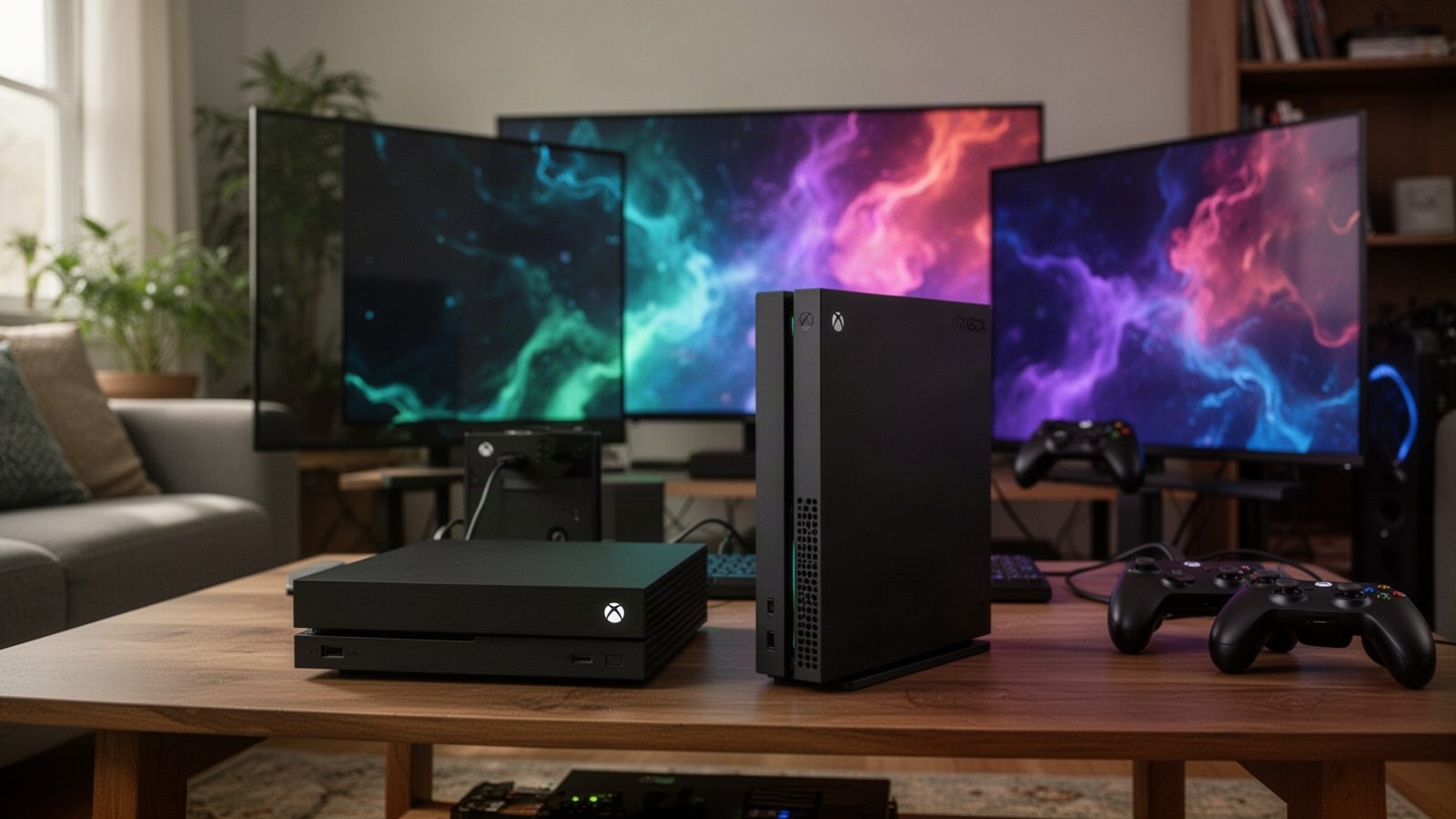
The Xbox Series X and Series S both ship with fast internal SSDs, but they fill up quickly — especially the Series S. Before you buy more space, it helps to understand the one rule that matters most: games optimized for Xbox Series X|S can only be played from the internal drive or an official Storage Expansion Card. A regular USB drive can store them, but not run them.
That makes the choice simpler than it looks. If you want more room for current-generation games you play often, you need an expansion card. If you want a budget-friendly place to park your library, or to play Xbox One and older backward-compatible games, a USB drive does the job at a much lower cost per terabyte. We compared official expansion cards and popular USB hard drives and SSDs on type, connection, Xbox support, capacity options and warranty.
The lineup
 Best overall Seagate Storage Expansion Card for Xbox Series X|S
Playing more Series X|S games without deleting any
9.2 Buy Now on Amazon
 Best alternative expansion card WD_Black C50 Storage Expansion Card for Xbox
Shoppers comparing official expansion cards
9.0 Buy Now on Amazon
 Best high-capacity archive WD_Black P10 Game Drive for Xbox
Storing a large library at a low cost per terabyte
8.6 Buy Now on Amazon
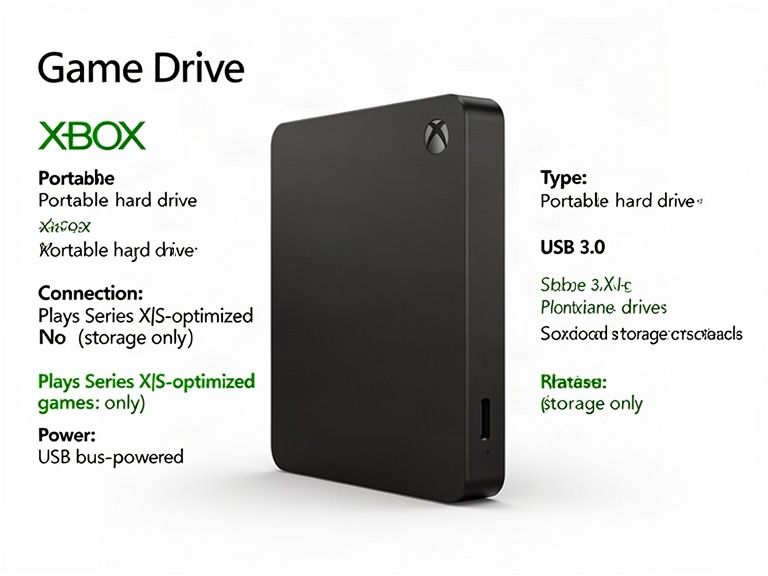 Best budget hard drive Seagate Game Drive for Xbox
Budget-conscious players who want more space
8.3 Buy Now on Amazon
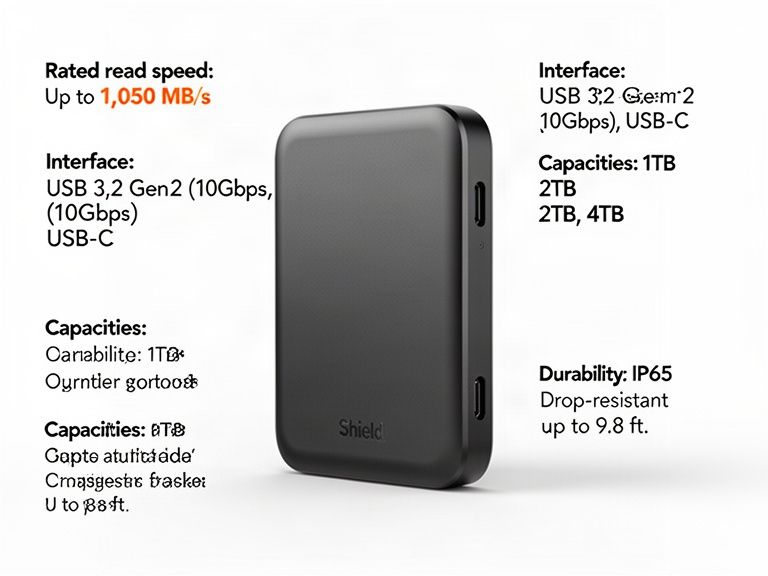 Best portable SSD Samsung T7 Shield Portable SSD
Fast game copies and carrying your library around
8.7 Buy Now on Amazon
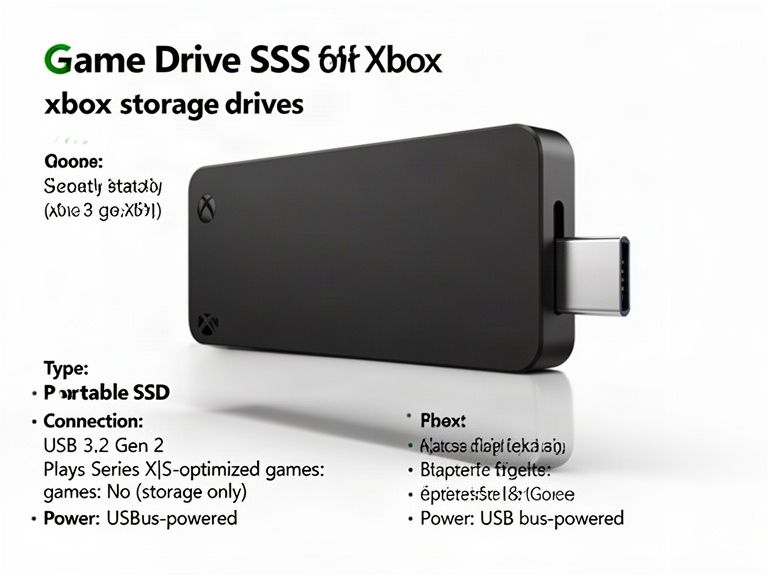 Best compact Xbox SSD WD_Black D30 Game Drive SSD for Xbox
Xbox owners who want a small SSD that matches the console
8.4 Buy Now on Amazon
AI picture
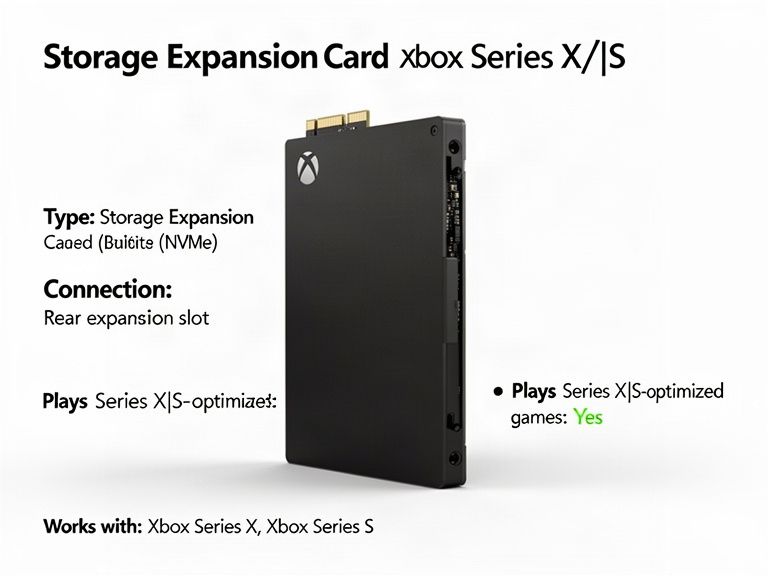
- TypeStorage Expansion Card (NVMe)
- ConnectionRear expansion slot
- Plays Series X|S-optimized gamesYes
- Works withXbox Series X, Xbox Series S
#1Best overall9.2/10
Seagate Storage Expansion Card for Xbox Series X|S
Seagate
The original official Xbox expansion card, co-engineered with Xbox to match the internal SSD.
Good for: Playing more Series X|S games without deleting any
- Plays Series X|S games exactly like the internal drive
- Plug-and-play — no tools or setup
- Supports Quick Resume
- Several capacity options
- Much more expensive per terabyte than USB drives
- Only works in Xbox Series X|S
- One slot, so you can only use one card at a time
Seagate's Storage Expansion Card was co-engineered with Xbox to perform just like the console's internal SSD. That means Series X|S-optimized games play directly from it, with the same load times and features such as Quick Resume.
Installation couldn't be simpler: slide it into the slot on the back of the console and it's ready in moments, with no formatting fuss. It's also small enough to move between consoles, taking your installed games with it. Seagate offers it in several capacities, and the 1TB version effectively doubles a Series X's usable space.
The catch is cost. Per terabyte, it's far more expensive than a USB drive, and it only works in the Xbox Series X|S expansion slot. For anyone who plays lots of current-generation games, though, it's the most convenient upgrade available.
The short version: The simplest way to add play-ready storage for Series X|S games, at a premium per terabyte.
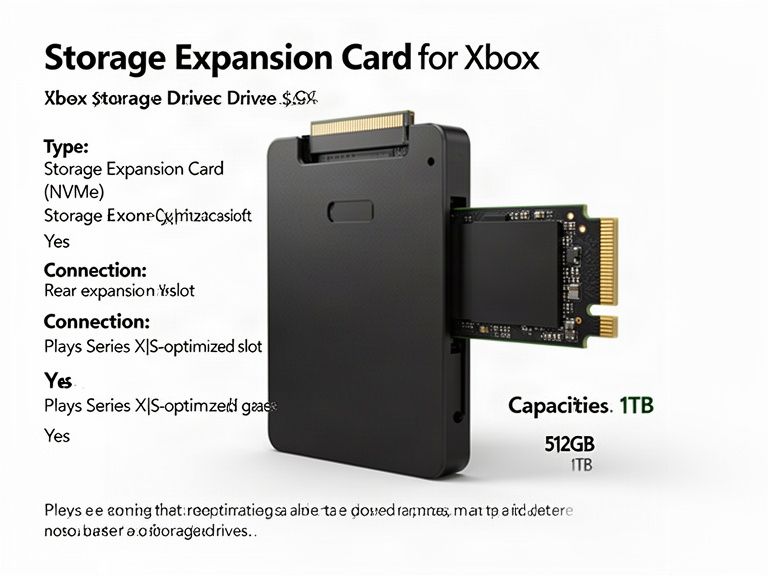
AI picture- TypeStorage Expansion Card (NVMe)
- ConnectionRear expansion slot
- Plays Series X|S-optimized gamesYes
- Capacities512GB, 1TB
#2Best alternative expansion card9.0/10
WD_Black C50 Storage Expansion Card for Xbox
WD_Black
WD's officially licensed Xbox expansion card, with the same plug-and-play performance as the internal SSD.
Good for: Shoppers comparing official expansion cards
- Officially licensed for Xbox Series X|S
- Plays Series X|S games like the internal drive
- Plug-and-play installation
- Gives buyers a second official option
- Fewer capacity options than Seagate
- Still costly per terabyte
- Only works in Xbox Series X|S
The WD_Black C50 is the second officially licensed Storage Expansion Card for Xbox Series X|S, and it works exactly like Seagate's: plug it into the slot on the back of the console and it behaves like the internal SSD, so Series X|S-optimized games play directly from it.
Having a second official option is good news for shoppers, because it gives you another card to compare when one brand is out of stock or priced higher. It comes in 512GB and 1TB capacities; the 512GB size is a modest boost that suits the Series S.
It offers fewer capacity choices than Seagate's card, and like any expansion card, it's expensive per terabyte compared with USB storage. Check current prices on both cards and buy whichever is better value at the size you want.
The short version: A solid official alternative to Seagate — buy whichever card is better value when you shop.
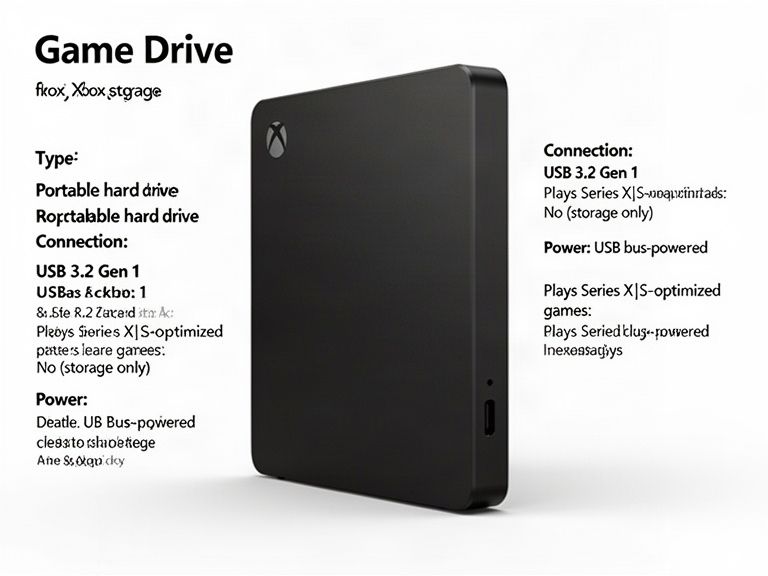
AI picture- TypePortable hard drive
- ConnectionUSB 3.2 Gen 1
- Plays Series X|S-optimized gamesNo (storage only)
- PowerUSB bus-powered
#3Best high-capacity archive8.6/10
WD_Black P10 Game Drive for Xbox
WD_Black
A portable USB hard drive made for Xbox, offering lots of space for storing games and playing older titles.
Good for: Storing a large library at a low cost per terabyte
- Large capacities at a budget-friendly cost per terabyte
- Plays Xbox One and older games directly
- No separate power supply needed
- Xbox-branded and ready to use
- Can't play Series X|S-optimized games
- Slower than SSDs for copying games
- Hard drives are sensitive to bumps
The WD_Black P10 Game Drive for Xbox is a portable USB hard drive built to hold a big game library. It draws power from the console's USB port, so there's no extra power adapter, and it's designed to work with Xbox Series X|S and Xbox One out of the box.
It's ideal as an archive. Store games you're not playing right now, then copy them back to the internal SSD when you want them — usually much faster than downloading again. Xbox One, Xbox 360 and original Xbox games can be played directly from it.
As a hard drive, it can't play Series X|S-optimized games, copies more slowly than an SSD, and doesn't like being knocked while running. Place it somewhere stable. For the most space at the lowest cost, it's a great companion to an Xbox.
The short version: A roomy, budget-friendly archive for your Xbox library and older games.
AI picture- TypePortable hard drive
- ConnectionUSB 3.0
- Plays Series X|S-optimized gamesNo (storage only)
- PowerUSB bus-powered
#4Best budget hard drive8.3/10
Seagate Game Drive for Xbox
Seagate
A long-running portable USB hard drive with Xbox styling, made for storing games and playing older titles.
Good for: Budget-conscious players who want more space
- Budget-friendly way to add lots of space
- Xbox styling matches the console
- Plays Xbox One and older games directly
- No separate power supply needed
- Can't play Series X|S-optimized games
- Slower than SSDs
- Sensitive to drops and bumps
Seagate's Game Drive for Xbox has been a popular storage add-on for years. It's a portable USB hard drive styled to match the Xbox, powered by the console's USB port, and ready to format and use as soon as you plug it in.
Like any USB drive, it stores Series X|S games for quick copying back to the internal SSD, and it plays Xbox One and older backward-compatible games directly. That makes it a simple, budget-friendly way to stop deleting and re-downloading games.
It's a hard drive, so it's slower than an SSD for copying and loading older games, and it should be kept somewhere it won't be bumped while running. It also can't play Series X|S-optimized games directly. As inexpensive extra space for a growing library, it's a sensible pick.
The short version: A simple, budget-friendly way to stop deleting games to make room.
AI picture- TypePortable SSD
- ConnectionUSB 3.2 Gen 2 (USB-C)
- Plays Series X|S-optimized gamesNo (storage only)
- DurabilityIP65 dust and water resistance
#5Best portable SSD8.7/10
Samsung T7 Shield Portable SSD
Samsung
A rugged, compact USB SSD that copies games far faster than a hard drive and works with Xbox, PCs and more.
Good for: Fast game copies and carrying your library around
- Much faster copying than USB hard drives
- Rugged, rubberized body with IP65 rating
- Compact enough to carry to a friend's house
- Works with Xbox, PlayStation, PCs and Macs
- Costs more per terabyte than hard drives
- Can't play Series X|S-optimized games
- Not Xbox-branded
Samsung's T7 Shield isn't made specifically for Xbox, but it meets the console's requirements and is one of the best USB SSDs you can buy. It copies games to and from the console far faster than a hard drive, and backward-compatible Xbox One games load faster from it, too.
Its rubberized body has an IP65 rating for dust and water resistance, and it's small and tough enough to slip into a bag — handy for taking your games to a friend's house. Both USB-C and USB-A cables are included, so it connects to the Xbox's USB-A ports out of the box, and it also works with PCs, Macs and PlayStation consoles.
It costs more per terabyte than a hard drive, and like all USB drives, it can only store Series X|S-optimized games, not play them. If speed and portability matter more than raw capacity, it's an excellent choice.
The short version: The best USB SSD for faster game copies and a library you can carry anywhere.
AI picture- TypePortable SSD
- ConnectionUSB 3.2 Gen 2
- Plays Series X|S-optimized gamesNo (storage only)
- PowerUSB bus-powered
#6Best compact Xbox SSD8.4/10
WD_Black D30 Game Drive SSD for Xbox
WD_Black
A compact, Xbox-branded USB SSD for faster game copies and quicker loading of older games.
Good for: Xbox owners who want a small SSD that matches the console
- Faster copying than USB hard drives
- Compact design suits sitting beside the console
- Xbox-branded and ready to use
- No separate power supply
- Costs more per terabyte than hard drives
- Can't play Series X|S-optimized games
- Smaller capacities than hard-drive options
The WD_Black D30 Game Drive SSD for Xbox is a small USB SSD designed to sit next to the console. Like other SSDs, it copies games to and from the Xbox much faster than a hard drive, and it loads backward-compatible Xbox One games more quickly too.
It's Xbox-branded, powered by the console's USB port and ready to format as soon as you plug it in. Its compact design makes it easy to tuck beside the console or carry in a bag.
As with every USB drive, it can store Series X|S-optimized games but not play them, and SSD capacity costs more per terabyte than a hard drive. If you want faster game swaps than a hard drive offers without paying expansion-card prices, it's a good middle ground.
The short version: A tidy, Xbox-branded SSD that makes swapping games in and out much quicker.
Compare at a glance
| Pick | Type | Connection | Plays Series X|S-optimized games | Works with | Score |
|---|---|---|---|---|---|
| #1 Seagate Storage Expansion Card for Xbox Series X|S | Storage Expansion Card (NVMe) | Rear expansion slot | Yes | Xbox Series X, Xbox Series S | 9.2 |
| #2 WD_Black C50 Storage Expansion Card for Xbox | Storage Expansion Card (NVMe) | Rear expansion slot | Yes | — | 9.0 |
| #3 WD_Black P10 Game Drive for Xbox | Portable hard drive | USB 3.2 Gen 1 | No (storage only) | — | 8.6 |
| #4 Seagate Game Drive for Xbox | Portable hard drive | USB 3.0 | No (storage only) | — | 8.3 |
| #5 Samsung T7 Shield Portable SSD | Portable SSD | USB 3.2 Gen 2 (USB-C) | No (storage only) | — | 8.7 |
| #6 WD_Black D30 Game Drive SSD for Xbox | Portable SSD | USB 3.2 Gen 2 | No (storage only) | — | 8.4 |
Specs come from manufacturer listings when we wrote this guide and can change between production runs.
Buying tips
The key rule: what can play from where
- Internal SSD: plays everything.
- Storage Expansion Card: plays everything, including games optimized for Series X|S, just like the internal drive. Only officially licensed cards fit the slot on the back of the console.
- USB external drive: can store Series X|S games and play Xbox One, Xbox 360 and original Xbox backward-compatible games directly. Series X|S-optimized games must be moved to internal storage or an expansion card before you can play them.
Expansion card or USB drive?
Choose an expansion card if you mostly play new Series X|S games and keep running out of space. It's plug-and-play and behaves exactly like the internal drive, but it costs much more per terabyte.
Choose a USB drive if you want a large, budget-friendly archive. Copying a game from a USB drive back to the internal SSD is usually much faster than downloading it again, which matters if your internet connection is slow or capped. It's also the right choice for a big library of Xbox One games.
Hard drive or SSD?
USB hard drives offer the most space for the money and are fine for storage. USB SSDs cost more but copy games faster, load backward-compatible games faster, and are smaller and more rugged — handy if you take your library to a friend's house.
Requirements for USB drives
Xbox requires USB drives to use USB 3.0 (also called USB 3.1 Gen 1) or faster and to have at least 128GB of space. The console will format the drive for Xbox use, erasing anything already on it, so back up files first. Drives sold "for Xbox" are standard USB drives with Xbox branding that are made to meet these requirements, but any drive that meets them will work.
Installing and care
An expansion card slides into the dedicated slot on the back of the console and is ready to use within seconds. Don't remove it while a game is running. For USB drives, use a rear port if you want to keep the front tidy, keep the drive somewhere it won't be knocked, and give it some ventilation — hard drives in particular don't like being bumped while running.
FAQ
QCan I play Xbox Series X|S games from a USB hard drive?
No. Games optimized for Xbox Series X|S can be stored on a USB drive but must be moved to the internal SSD or a Storage Expansion Card to play. Xbox One, Xbox 360 and original Xbox games can be played directly from a USB drive.
QDo Storage Expansion Cards work on both the Series X and Series S?
Yes. Both consoles have the same expansion slot on the back, and official expansion cards work in either one.
QCan I use a regular M.2 SSD in the Xbox expansion slot?
No. The slot only accepts officially licensed Storage Expansion Cards, such as those from Seagate and WD_Black. Standard M.2 SSDs do not fit or work in it.
QWhat USB drive works with Xbox?
Any USB drive that uses USB 3.0 (USB 3.1 Gen 1) or faster and has at least 128GB of space. The console formats the drive when you first connect it, which erases its contents.
QIs it faster to copy a game from a USB drive than to download it?
Usually, yes — especially on slower internet connections. Copying from a USB SSD is quicker still than copying from a hard drive.
How we picked
We compared Microsoft's published Xbox storage requirements with manufacturer specifications for official Storage Expansion Cards and popular USB hard drives and SSDs, including drive type, connection, Xbox compatibility, capacity options, durability features and warranty terms. Our picks and scores are based on this research — we have not tested these products hands-on. Brands cannot pay to be included. Read our full method.
In the same aisle
More xbox storage drives to browse
A random pull from our product catalog, not ranked or reviewed.