Best Beginner 3D Printers in 2026
Five beginner-friendly 3D printers compared on build volume, design and automatic calibration, from the compact Bambu Lab A1 mini to budget and enclosed options.
- 5 picks
- 5 min read
- Updated Nov 20, 2026

As an Amazon Associate I earn from qualifying purchases. If you buy through a link here we may earn a commission, at no extra cost to you. Details
Home 3D printing has become far easier in the last few years. Printers that once needed hours of bed leveling, tinkering and forum searches now calibrate themselves, connect to an app and produce clean prints within an hour of opening the box. That makes this a great time to start, whether you want to print toys and figurines, replacement parts, organizers or cosplay pieces.
It also means the old advice no longer applies. A low price no longer guarantees a frustrating experience, and the most important features for beginners are not speed or build size but automatic calibration, reliable software and a large community to help you when something goes wrong. We compared current, widely available printers from Bambu Lab, Flashforge, Creality and Elegoo on build volume, design, calibration and ease of use to find the best first printers for different budgets and spaces.
The lineup
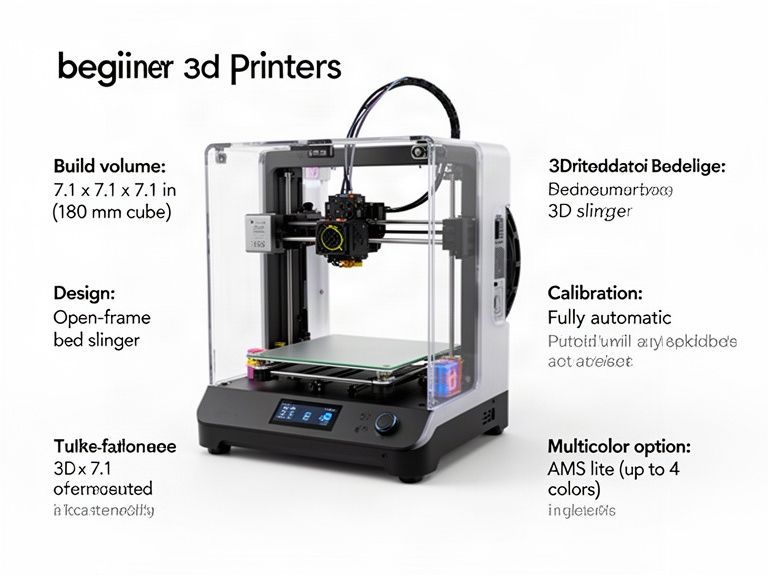 Best overall Bambu Lab A1 mini 3D Printer
First-time printer owners with limited space
9.3 Buy Now on Amazon
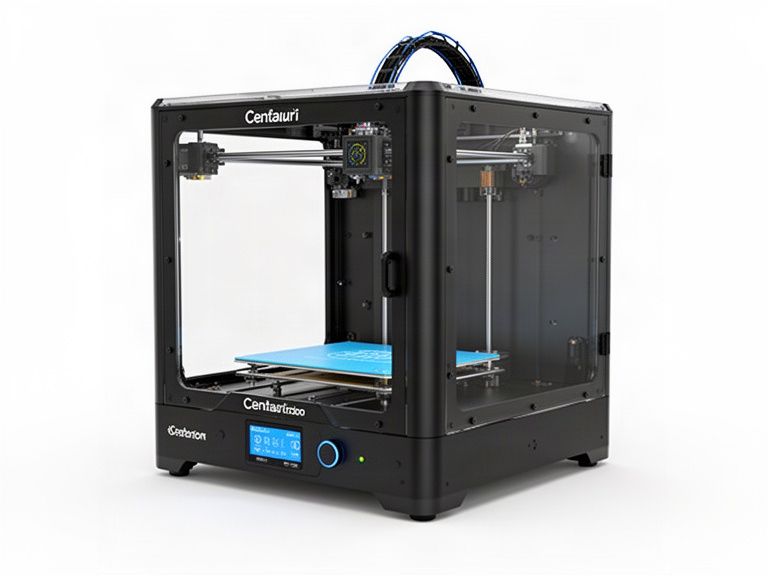 Best enclosed for beginners Elegoo Centauri Carbon 3D Printer
Homes with kids or pets, and beginners who want to try tougher materials
8.9 Buy Now on Amazon
 Best compact CoreXY Flashforge Adventurer 5M 3D Printer
Beginners who want speed in a small footprint
8.5 Buy Now on Amazon
AI picture
- Build volume7.1 x 7.1 x 7.1 in (180 mm cube)
- DesignOpen-frame bed slinger
- CalibrationFully automatic
- Multicolor optionAMS lite (up to 4 colors)
#1Best overall9.3/10
Bambu Lab A1 mini 3D Printer
Bambu Lab · Model A1 mini
A compact, fully self-calibrating printer that makes it easy to get great prints from day one.
Good for: First-time printer owners with limited space
- Calibrates itself, including bed leveling
- Compact enough for a desk or shelf
- Excellent slicer and phone app with a large model library
- Can be upgraded to four-color printing with the AMS lite
- Small build volume limits larger projects
- Open frame suits PLA and PETG rather than ABS
Bambu Lab's A1 mini is the easiest recommendation for a first 3D printer. It calibrates itself before printing, including bed leveling, so the most frustrating part of the hobby is handled for you. Pair that with Bambu's polished slicer, a phone app and an integrated online model library, and most people are printing within an hour of unboxing.
The build volume, a 7.1-inch cube, is small. It suits figurines, toys, organizers and most household fixes, but bigger items need to be split. Its cantilever design keeps the footprint compact, and it is quiet for its class.
Later, you can add the AMS lite to print in up to four colors. If you already know you want to print larger objects, look at the full-size A1 instead.
The short version: The most beginner-friendly 3D printer you can buy, as long as the build size suits you.
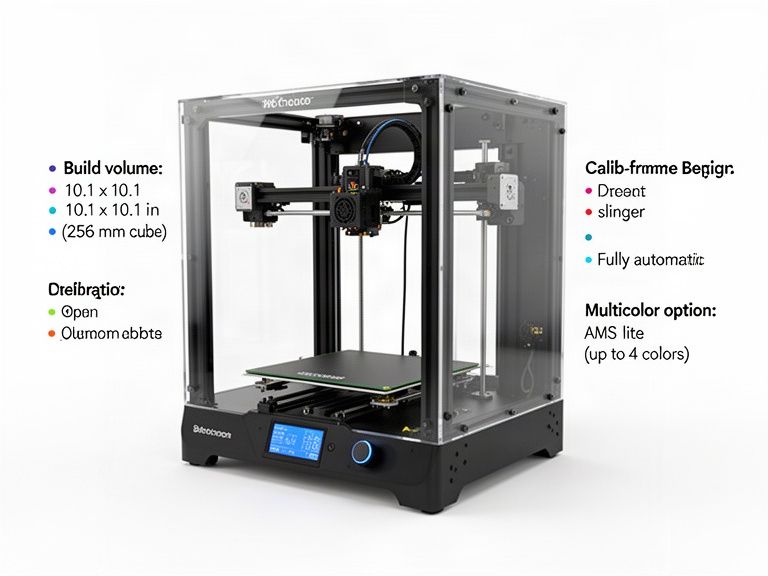 AI picture
- Build volume10.1 x 10.1 x 10.1 in (256 mm cube)
- DesignOpen-frame bed slinger
- CalibrationFully automatic
- Multicolor optionAMS lite (up to 4 colors)
#2Best larger build9.1/10
Bambu Lab A1 3D Printer
Bambu Lab · Model A1
The full-size sibling of the A1 mini, with the same self-calibration and a 10-inch build volume.
Good for: Beginners who want room to grow
- Large build volume for helmets, props and big parts
- Same automatic calibration and software as the A1 mini
- Multicolor upgrade available
- Good choice if you will outgrow a small printer
- Needs plenty of front-to-back clearance as the bed moves
- Open frame is not ideal for ABS or ASA
- Takes up much more desk space than the mini
The A1 gives you the same beginner-friendly experience as the A1 mini with a much bigger build volume, a 10.1-inch cube. That is enough for large cosplay parts, storage bins, planters and functional parts that would have to be split on a smaller printer.
Automatic calibration, the Bambu slicer and app, and access to a big model library are all shared with the mini. It also supports the AMS lite for four-color printing.
The trade-off is space. As a bed slinger, the build plate moves front to back, so it needs a deep shelf or table with clearance behind it. Like any open-frame printer, it is best with PLA and PETG; for ABS and ASA, look at an enclosed printer.
The short version: The best first printer if you want a larger build volume without losing ease of use.
AI picture- Build volume10.1 x 10.1 x 10.1 in (256 mm cube)
- DesignEnclosed CoreXY
- CalibrationAutomatic
#3Best enclosed for beginners8.9/10
Elegoo Centauri Carbon 3D Printer
Elegoo
A budget-friendly enclosed CoreXY printer that arrives assembled and handles more than just PLA.
Good for: Homes with kids or pets, and beginners who want to try tougher materials
- Enclosure keeps hot parts away from curious hands
- Can print tougher materials than open-frame printers
- Fast CoreXY motion
- Comes largely assembled
- Bulkier than open-frame printers
- Software ecosystem is younger than Bambu Lab's
Elegoo's Centauri Carbon brought an enclosed CoreXY design to a price much closer to open-frame printers, which makes it an interesting first printer. The enclosure keeps heat in and hot, moving parts out of reach, a real plus in homes with children or pets.
It has a 10.1-inch build volume, automatic calibration and a hardened nozzle path designed to handle tougher filaments, including carbon-fiber-filled blends, as well as PLA and PETG. CoreXY motion keeps it quick and steady on tall prints.
Its software and app are newer and less polished than Bambu Lab's, and the boxy enclosure takes up more space. If safety around the printer or future material options matter to you, it is a strong first choice.
The short version: The best enclosed printer for beginners, with room to grow into tougher materials.
AI picture- Build volume8.7 x 8.7 x 8.7 in (220 mm cube)
- DesignOpen-frame CoreXY
- CalibrationAutomatic leveling
#4Best compact CoreXY8.5/10
Flashforge Adventurer 5M 3D Printer
Flashforge · Model Adventurer 5M
A fast, compact open CoreXY printer with automatic leveling and a quick-swap nozzle.
Good for: Beginners who want speed in a small footprint
- CoreXY design is quick and stable
- Automatic leveling
- Quick-change nozzle simplifies maintenance
- Compact, cube-shaped footprint
- Mid-size build volume
- No enclosure on the standard model
- No multicolor upgrade on this model
Flashforge's Adventurer 5M packs a CoreXY motion system into a compact, cube-shaped frame. Because the bed only moves down, it does not need extra clearance in front and behind, and it stays steady at high speed on tall prints.
It levels the bed automatically, and its quick-change nozzle makes swapping sizes or clearing a clog much easier than on older printers. The 8.7-inch build volume sits between the A1 mini and the A1, enough for most household and hobby prints.
There is no enclosure on the standard model, so it is best with PLA and PETG; Flashforge sells an enclosed Pro version. Flashforge also offers a separate multicolor model rather than an add-on for this one.
The short version: A quick, compact CoreXY printer for beginners who want speed without a big footprint.
 AI picture
- Build volume8.7 x 8.7 x 9.8 in (220 x 220 x 250 mm)
- DesignOpen-frame bed slinger
- CalibrationAutomatic leveling (CR Touch)
#5Best budget8.0/10
Creality Ender-3 V3 SE 3D Printer
Creality · Model Ender-3 V3 SE
A budget-friendly bed slinger with auto leveling and a direct-drive extruder.
Good for: Tight budgets and tinkerers
- Very budget-friendly
- Auto bed leveling and direct-drive extruder
- Huge Ender community for help and upgrades
- Simple design that is easy to repair
- Slower and noisier than CoreXY rivals
- Needs more tuning than Bambu Lab printers
- Some assembly required
Creality's Ender-3 line introduced countless people to 3D printing, and the V3 SE modernizes the formula at a budget-friendly price. It adds automatic bed leveling with Creality's CR Touch sensor and a direct-drive extruder, which feeds flexible filaments better than older Bowden designs.
The 220 by 220 by 250 mm build volume is generous for the price, and the Ender family's enormous community means guides, profiles and upgrade parts are easy to find. Its simple, open design is also easy to repair yourself.
Expect more hands-on time than with Bambu Lab's self-calibrating printers. It is slower, a bit noisier and needs some assembly, and you may tune settings to get the best results. For learning how printers work on a budget, that can be part of the fun.
The short version: A budget-friendly way into 3D printing for people who do not mind some tinkering.
Compare at a glance
| Pick | Build volume | Design | Calibration | Multicolor option | Score |
|---|---|---|---|---|---|
| #1 Bambu Lab A1 mini 3D Printer | 7.1 x 7.1 x 7.1 in (180 mm cube) | Open-frame bed slinger | Fully automatic | AMS lite (up to 4 colors) | 9.3 |
| #2 Bambu Lab A1 3D Printer | 10.1 x 10.1 x 10.1 in (256 mm cube) | Open-frame bed slinger | Fully automatic | AMS lite (up to 4 colors) | 9.1 |
| #3 Elegoo Centauri Carbon 3D Printer | 10.1 x 10.1 x 10.1 in (256 mm cube) | Enclosed CoreXY | Automatic | — | 8.9 |
| #4 Flashforge Adventurer 5M 3D Printer | 8.7 x 8.7 x 8.7 in (220 mm cube) | Open-frame CoreXY | Automatic leveling | — | 8.5 |
| #5 Creality Ender-3 V3 SE 3D Printer | 8.7 x 8.7 x 9.8 in (220 x 220 x 250 mm) | Open-frame bed slinger | Automatic leveling (CR Touch) | — | 8.0 |
Specs come from manufacturer listings when we wrote this guide and can change between production runs.
Buying tips
What makes a printer beginner-friendly
- Automatic bed leveling and calibration. Manual leveling with a sheet of paper is the most common source of failed first prints. Look for automatic leveling at minimum; the best printers also calibrate flow and vibration.
- Good software. A slicer with tested profiles for the printer and your filament, plus an app for monitoring, makes a huge difference.
- A flexible, removable build plate. Flex the sheet and prints pop off without scrapers.
- A big user community. Popular printers have more guides, model profiles and spare parts.
How big a build volume do you need?
A cube of about 7 inches suits figurines, small household parts and toys. Around 8.5 to 10 inches covers helmets in pieces, larger organizers and most functional parts. Bigger printers take more desk space and longer prints, so do not oversize your first machine. Large objects can be split and glued.
Open frame or enclosed?
Open-frame printers are easier to access and fine for PLA, the material most beginners use. Enclosed printers keep heat in for materials such as ABS and ASA, cut drafts that cause warping, reduce noise a little and keep curious hands and pets away from hot parts. If you have children or pets, or want to print tougher materials later, an enclosed printer is worth considering.
Bed slinger or CoreXY?
Bed slingers move the build plate back and forth. They are simple and budget-friendly but need front-to-back clearance and slow down on tall prints. CoreXY printers keep the bed moving only downward and the print head moving quickly overhead, which is faster and steadier but usually costs more.
For a first printer, either design works well. Bed slingers are easier to understand and repair, while CoreXY machines suit people who already know they want fast prints or plan to add an enclosure. Do not let top speed figures decide for you: print quality at sensible speeds, reliable calibration and good software matter far more when you are learning.
Setup and safety
- Place the printer on a stable surface with space around it, away from curtains and clutter.
- Print in a ventilated room; 3D printers release fine particles and odors, even with PLA.
- Check on long prints and follow the manufacturer's guidance on unattended printing.
- Keep the firmware updated, and keep fingers away from the hot nozzle and moving parts.
Budget for extras
Set aside money for a few spools of PLA, a spare nozzle, a second build plate and a sealed box or dryer for filament. A pair of flush cutters, a deburring tool and isopropyl alcohol for cleaning the plate round out a starter kit.
FAQ
QWhat filament should a beginner use?
Start with PLA. It prints at modest temperatures, barely warps and works on every printer here. Try PETG next when you need tougher, more heat-resistant parts.
QIs 3D printing hard to learn?
Much less than it used to be. Modern beginner printers calibrate themselves, and slicers include ready-made profiles. Expect a learning curve with supports, orientation and settings, but most people get good prints in the first day.
QWhere do I get things to print?
Free model libraries such as MakerWorld, Printables and Thingiverse host huge collections. Many printers integrate one of these libraries into their app, so you can print with a few taps.
QDo I need a computer to use a 3D printer?
Not always. Several printers can print models sent from a phone app. A computer is still useful for slicing custom models and adjusting settings.
QAre 3D printers safe to run at home?
They are widely used at home, but they involve hot parts, moving mechanisms and emissions. Use them in a ventilated room, keep them away from children and flammable clutter, and follow the manufacturer’s safety instructions.
How we picked
We compared manufacturer specifications for build volume, frame design, calibration features, supported materials, software and multicolor upgrade options for current FDM printers that are widely available to US shoppers, focusing on models sold in 2025 and 2026. Our picks and scores are based on this research — we have not tested these products hands-on. Brands cannot pay to be included. Read our full method.
In the same aisle
More beginner 3d printers to browse
A random pull from our product catalog, not ranked or reviewed.