Best External Hard Drives in 2026
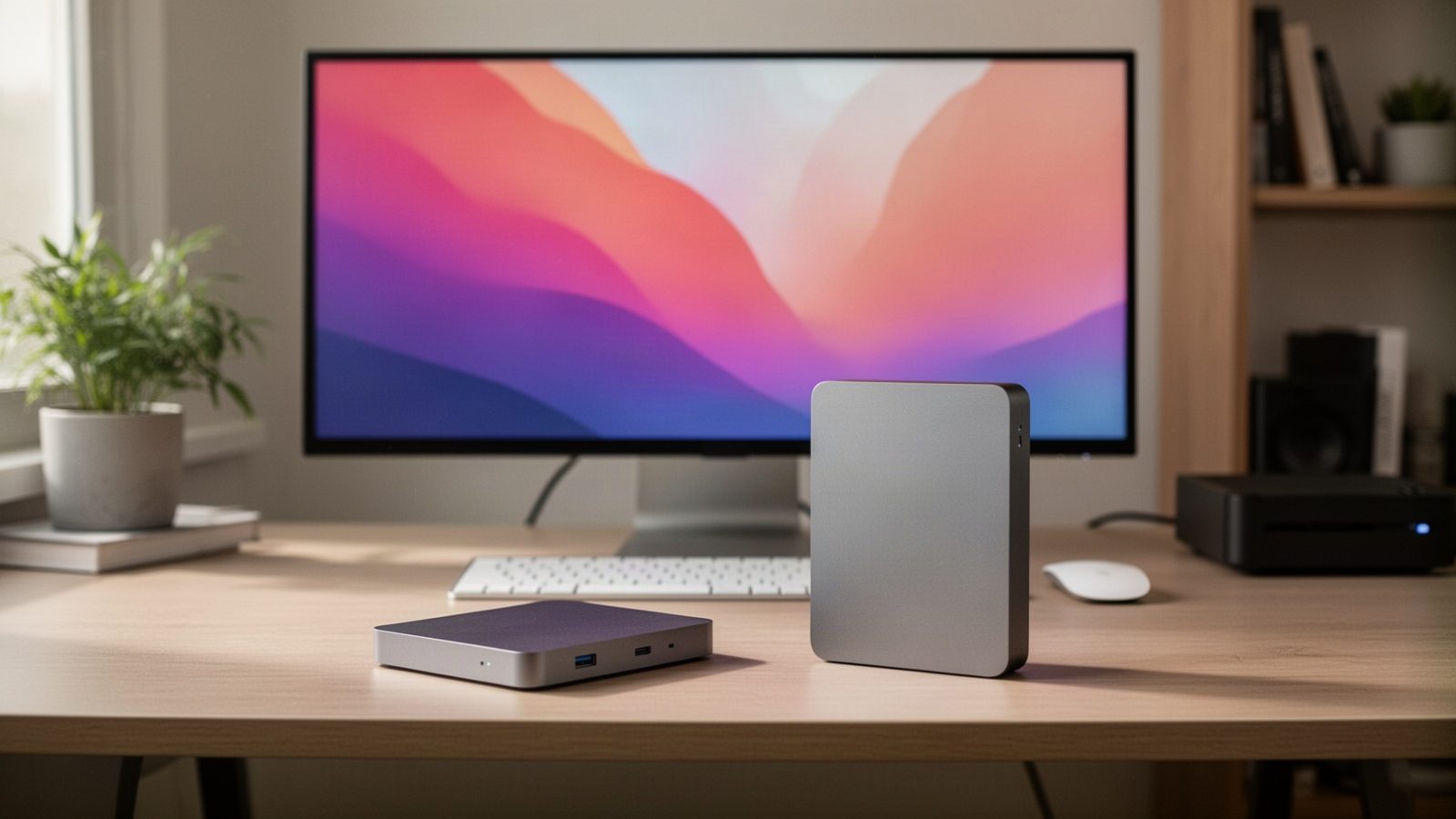
Six external hard drives compared — pocket-size portable drives for laptop backups and big desktop drives for whole-computer and media archives.
- 6 picks
- 6 min read
- Updated Nov 20, 2026
As an Amazon Associate I earn from qualifying purchases. If you buy through a link here we may earn a commission, at no extra cost to you. Details
External hard drives are still the most budget-friendly way to store a lot of data. A spinning hard drive costs far less per terabyte than an SSD, which makes it the natural home for computer backups, family photo archives and media libraries you don't need to open every day. The trade-off is speed and fragility: a hard drive is several times slower than a portable SSD and has moving parts that dislike drops, especially while it is running.
There are two main types. Portable drives draw power from your computer's USB port and slip into a bag. Desktop drives hold far more but need a power outlet and should stay put on a shelf or desk. We compared the most popular models from WD, Seagate and LaCie on capacity range, interface, power, encryption and backup features, and picked the best options for laptop backups, big archives and rough handling.
The lineup
 Best overall WD My Passport Portable Hard Drive
Laptop backups with password protection
9.1 Buy Now on Amazon
 Best value Seagate Portable External Hard Drive
Simple, budget-friendly backups
8.6 Buy Now on Amazon
 Best rugged portable LaCie Rugged Mini Portable Hard Drive
Photographers and field workers who carry backups
8.3 Buy Now on Amazon
 Best desktop drive WD Elements Desktop External Hard Drive
Whole-computer backups and big media libraries
8.9 Buy Now on Amazon
 Best encrypted desktop drive WD My Book Desktop External Hard Drive
Home offices storing sensitive files
8.7 Buy Now on Amazon
 Best Seagate desktop drive Seagate Expansion Desktop External Hard Drive
Large archives on a budget
8.5 Buy Now on Amazon
AI picture
- TypePortable, 2.5-inch
- InterfaceUSB 3.2 Gen 1 (5Gbps)
- PowerUSB bus-powered
- Capacities1TB to 6TB
#1Best overall9.1/10
WD My Passport Portable Hard Drive
WD
A slim, bus-powered portable hard drive with password protection, hardware encryption and a wide range of sizes.
Good for: Laptop backups with password protection
- 256-bit AES hardware encryption with password protection
- Slim enough for a laptop sleeve
- Wide range of capacities, including very large portable sizes
- Works with Windows out of the box and with Macs after a quick reformat
- Hard drive speeds are far slower than any SSD
- Moving parts make it more vulnerable to drops
- Glossy finish shows scuffs
The WD My Passport has been one of the default portable backup drives for years, and the reasons are easy to see. It is slim, powered by a single USB cable, and available in a wide spread of sizes, including some of the largest capacities offered in a 2.5-inch portable drive.
What sets it apart from basic drives is security. Hardware-based 256-bit AES encryption with a password means a lost drive doesn't mean exposed tax returns or family photos, and WD's software makes setting up the password simple. Scheduled backups on Windows are handled through WD's tools, while Mac users can reformat and use Time Machine.
The limits are those of every hard drive: transfer speeds are modest, and the spinning disk inside should be handled gently while it is running. For backups that stay mostly on a desk or in a bag, that is a fair trade for the price per terabyte.
The short version: The portable hard drive to get if you want plenty of space and password protection in one slim package.
AI picture- TypePortable, 2.5-inch
- InterfaceUSB 3.0 (5Gbps)
- PowerUSB bus-powered
- Capacities1TB to 5TB
#2Best value8.6/10
Seagate Portable External Hard Drive
Seagate
A plain, plug-and-play portable hard drive that delivers a lot of storage for the money.
Good for: Simple, budget-friendly backups
- Very good storage for the price
- Plug-and-play on Windows, reformat for Mac
- Compact and light
- Powered by a single USB cable
- No hardware encryption
- Plain plastic case scratches easily
- No extra drop protection
Not every backup drive needs extras. The Seagate Portable Drive is about as simple as external storage gets: plug it in, drag files over or point your backup software at it, and you're done. It runs from a single USB cable and comes in sizes up to 5TB.
That simplicity is the appeal. For a family photo archive, a second copy of a laptop's files or a drive to hand to a relative, you don't need encryption software or rugged armor — you need a lot of space at a reasonable price from an established brand.
Just be aware of what you give up. Anyone who finds the drive can read it, so avoid storing sensitive documents on it unless you encrypt them with your operating system's tools, such as BitLocker on Windows or an encrypted disk format on a Mac. And like any portable hard drive, it needs gentle handling.
The short version: A no-frills drive that gives you the most backup space for the least fuss.
AI picture- TypePortable, 2.5-inch
- InterfaceUSB 3.0 (5Gbps)
- PowerUSB bus-powered
- DesignRubber bumper, drop-resistant
#3Best rugged portable8.3/10
LaCie Rugged Mini Portable Hard Drive
LaCie
A portable hard drive in LaCie's orange rubber bumper, built to handle bags, car seats and job sites.
Good for: Photographers and field workers who carry backups
- Rubber bumper adds drop protection
- Easy to spot in a busy bag
- Works with Mac and Windows
- Includes data recovery services for a limited period
- Bulkier than slim portable drives
- Costs more than basic drives of the same size
- Still a spinning disk, so not truly shockproof
The LaCie Rugged Mini wraps a standard portable hard drive in the bright orange rubber bumper LaCie is known for. The bumper adds drop protection and makes the drive easy to find in a camera bag or toolbox, which is why it is common among photographers and people who back up files in the field.
LaCie, part of Seagate, also includes data recovery services for a limited period, which can help if the drive itself fails. Check the current terms when you buy, as coverage length can vary by model.
Keep expectations realistic. A bumper softens bumps and short falls, but there is still a spinning disk inside, and a hard fall while it is running can damage it. If your drive gets thrown around often, a rugged portable SSD is the tougher option — at a much higher cost per terabyte.
The short version: A sturdier portable hard drive for people whose backups travel in bags and vehicles.
AI picture- TypeDesktop, 3.5-inch
- InterfaceUSB 3.0 (5Gbps)
- PowerAC adapter
- CapacitiesSizes up to 20TB and beyond
#4Best desktop drive8.9/10
WD Elements Desktop External Hard Drive
WD
A simple, high-capacity desktop drive that offers some of the best value per terabyte.
Good for: Whole-computer backups and big media libraries
- Huge capacities at a strong price per terabyte
- Plain, compact enclosure for a desk or shelf
- Plug-and-play with Windows, reformat for Mac
- Good choice for media servers and archives
- Needs a power outlet
- No hardware encryption
- Not designed to be carried around
If you need a lot of storage in one box, a desktop drive like the WD Elements Desktop is the most cost-effective route. It uses a full-size 3.5-inch hard drive with its own power adapter, which is how it reaches capacities far beyond any portable drive.
That makes it a natural fit for backing up a desktop PC with several internal drives, holding a family's photo and video archive, or feeding a home media server. The enclosure is plain and compact, and setup is just a matter of plugging in the power and USB cables.
It skips extras such as hardware encryption and backup software bundles, so pair it with Windows File History, Time Machine or your preferred backup app. And like any desktop drive, it should stay in one place on a stable surface rather than travel in a bag.
The short version: The best-value way to add a lot of backup space to a desk.
AI picture- TypeDesktop, 3.5-inch
- InterfaceUSB 3.2 Gen 1 (5Gbps)
- PowerAC adapter
- Security256-bit AES hardware encryption
#5Best encrypted desktop drive8.7/10
WD My Book Desktop External Hard Drive
WD
A large desktop drive with password protection and hardware encryption for backups you want to keep private.
Good for: Home offices storing sensitive files
- Hardware encryption with password protection
- Large desktop capacities
- WD backup tools for Windows
- Upright, book-style design takes little desk space
- Needs a power outlet
- Costs more than WD Elements Desktop at the same size
- Forgetting the password means losing access to the data
The WD My Book is the desktop counterpart to the My Passport. It offers the same kind of large 3.5-inch drive as basic desktop models, but adds password protection backed by 256-bit AES hardware encryption, so the drive is unreadable without the password if it is stolen or lost.
That makes it a better fit than plain desktop drives for home offices, freelancers handling client files and anyone backing up tax records or scanned documents. Its upright, book-shaped enclosure also takes up little room on a desk or shelf.
The extra security costs a bit more than an unencrypted desktop drive of the same size, and it brings one big responsibility: if you forget the password, the data cannot be recovered. Store the password somewhere safe, such as a password manager, before you rely on the drive.
The short version: Pick it over a basic desktop drive when your backups include anything you would not want a stranger to read.
AI picture- TypeDesktop, 3.5-inch
- InterfaceUSB 3.0 (5Gbps)
- PowerAC adapter
- CapacitiesSizes up to 20TB and beyond
#6Best Seagate desktop drive8.5/10
Seagate Expansion Desktop External Hard Drive
Seagate
A straightforward, high-capacity desktop drive and a strong alternative to WD Elements.
Good for: Large archives on a budget
- Very large capacities
- Strong value per terabyte
- Simple plug-and-play setup
- Good fit for media libraries and archives
- Needs a power outlet
- No hardware encryption
- Not built for travel
The Seagate Expansion Desktop does the same job as WD's Elements Desktop: a full-size hard drive in a plain enclosure, sold in very large capacities for backups, archives and media libraries. Which one to buy usually comes down to which offers the better value at the size you need on the day you shop.
Setup is simple — plug in the power adapter and USB cable, and it appears as a drive on Windows; Mac users can reformat it in Disk Utility. It works well as a Time Machine or File History target, or as a place to keep a second copy of a large photo library.
As with any unencrypted drive, avoid storing sensitive documents on it unless you add encryption through your operating system. And because it is a desktop drive, keep it on a stable surface with some airflow around it.
The short version: A dependable, big desktop drive for anyone comparing value per terabyte.
Compare at a glance
| Pick | Type | Interface | Power | Capacities | Score |
|---|---|---|---|---|---|
| #1 WD My Passport Portable Hard Drive | Portable, 2.5-inch | USB 3.2 Gen 1 (5Gbps) | USB bus-powered | 1TB to 6TB | 9.1 |
| #2 Seagate Portable External Hard Drive | Portable, 2.5-inch | USB 3.0 (5Gbps) | USB bus-powered | 1TB to 5TB | 8.6 |
| #3 LaCie Rugged Mini Portable Hard Drive | Portable, 2.5-inch | USB 3.0 (5Gbps) | USB bus-powered | — | 8.3 |
| #4 WD Elements Desktop External Hard Drive | Desktop, 3.5-inch | USB 3.0 (5Gbps) | AC adapter | Sizes up to 20TB and beyond | 8.9 |
| #5 WD My Book Desktop External Hard Drive | Desktop, 3.5-inch | USB 3.2 Gen 1 (5Gbps) | AC adapter | — | 8.7 |
| #6 Seagate Expansion Desktop External Hard Drive | Desktop, 3.5-inch | USB 3.0 (5Gbps) | AC adapter | Sizes up to 20TB and beyond | 8.5 |
Specs come from manufacturer listings when we wrote this guide and can change between production runs.
Buying tips
Portable or desktop?
Portable drives use 2.5-inch disks, run from a single USB cable and top out at around 5–6TB. They suit laptop backups and anyone who carries data between home and work.
Desktop drives use larger 3.5-inch disks, need an AC adapter and come in much bigger sizes, well into the double-digit terabytes. They are the better value per terabyte and the better choice for backing up a desktop computer, storing a media library or keeping a long-term archive.
How much capacity do you need?
For backups, buy at least twice the size of the data you are protecting. Backup software such as Time Machine and Windows File History keeps older versions of your files, and those versions add up. A laptop with a 1TB drive pairs well with a 2TB–4TB portable drive; a desktop with several internal drives needs a large desktop drive. Archive drives also fill faster than expected, so err on the bigger side.
Speed: what to expect
Expect roughly 100–200 MB/s from a hard drive, depending on model and size — enough for overnight backups and streaming video, but too slow for editing or running games and apps. If you need speed, look at a portable SSD instead. Most external hard drives use a USB 3.0-class (5Gbps) connection, which is already faster than the disk inside, so a faster port won't help. Many still ship with USB-A cables, so USB-C-only laptops may need an adapter or a compatible USB-C cable.
Features worth paying for
- Hardware encryption with a password (WD My Passport and My Book, for example) protects a lost or stolen drive.
- Backup software from the maker can simplify scheduled backups on Windows; Mac users can rely on Time Machine.
- Data recovery services, included with some Seagate and LaCie drives for a set period, are useful insurance if the drive fails.
- A rugged shell if the drive travels in a bag or lives on a job site.
What to skip
"Gaming" editions of external drives are usually the same disks in different shells and are only worth it if you like the styling. Don't buy a drive much larger than a desktop model just to carry it — 3.5-inch drives aren't designed to be moved around.
Care and backup tips
- Don't move or bump a hard drive while it is spinning; eject it and wait for it to stop first.
- Keep desktop drives on a flat, stable surface with space around them for airflow.
- Follow the 3-2-1 rule: three copies of important data, on two kinds of storage, with one copy off-site or in the cloud.
- Check drive health occasionally with the maker's utility, and replace any drive that starts reporting errors or making new clicking sounds.
- Replace backup drives every few years rather than waiting for them to fail.
FAQ
QHow long do external hard drives last?
Many last five years or more, but hard drives can fail without warning at any age. That is why important files should always exist in at least two places, and why it is sensible to retire older backup drives every few years.
QShould I buy an external hard drive or a portable SSD?
Choose a hard drive when you need lots of space for backups or archives at a low cost per terabyte. Choose a portable SSD when speed, size and durability matter more, such as for editing files directly from the drive or frequent travel.
QCan I use the same external drive on a Mac and a Windows PC?
Yes, if it is formatted as exFAT, which both systems can read and write. A drive used for Time Machine backups has to be formatted for macOS, so it is simplest to keep a dedicated drive for Mac backups.
QWhy does my new 5TB drive show less space than advertised?
Drive makers count a terabyte as 1,000 gigabytes, while Windows and some tools count in binary units, so a 5TB drive appears as roughly 4.5TB. Nothing is missing; it is a difference in how capacity is measured.
QDo I need to format a new external hard drive?
Usually not for basic file storage — most arrive ready to use on Windows, and many work on Macs too. You will need to reformat if you want to use the drive for Time Machine or if it arrives in a format your computer can only read, not write.
How we picked
We compared manufacturer specifications for the most widely available external hard drives in the US — capacity ranges, form factor, interface, power requirements, hardware encryption, bundled backup and recovery features and build — and weighed how each fits laptop backups, desktop backups and travel. Our picks and scores are based on this research; we have not tested these products hands-on. Brands cannot pay to be included. Read our full method.
In the same aisle
More external hard drives to browse
A random pull from our product catalog, not ranked or reviewed.