Best Portable SSDs in 2026
Six portable SSDs compared for Windows PCs, Macs and creative work — from tiny budget drives to rugged USB4 models for video editors.
- 6 picks
- 6 min read
- Updated Nov 20, 2026
As an Amazon Associate I earn from qualifying purchases. If you buy through a link here we may earn a commission, at no extra cost to you. Details
A portable SSD is the fastest way to carry big files between computers. It is a solid-state drive in a small, sealed case with no moving parts, so it handles the knocks that can damage a spinning hard drive, and it copies files several times faster. A good one fits in a pocket, runs off your laptop's USB-C port without a power adapter and works with Windows PCs, Macs, iPads and Android phones.
What limits your speed is usually the port, not the drive. A drive rated at 2,000 or 4,000 MB/s only reaches those numbers on a matching port, and many laptops can't use them. We compared the most popular portable SSDs from Samsung, SanDisk, Kingston and LaCie on rated speed, interface, capacity options, durability ratings and security features, and picked the best fit for everyday backups, travel, video editing and very large libraries.
The lineup
 Best overall Samsung T7 Shield Portable SSD
Most people who want a tough, fast everyday drive
9.3 Buy Now on Amazon
 Best value Kingston XS1000 Portable SSD
Budget-minded buyers who want a tiny drive
8.7 Buy Now on Amazon
 Best for Mac video editing LaCie Rugged SSD4 (USB4)
Mac and USB4 PC owners editing video from the drive
8.9 Buy Now on Amazon
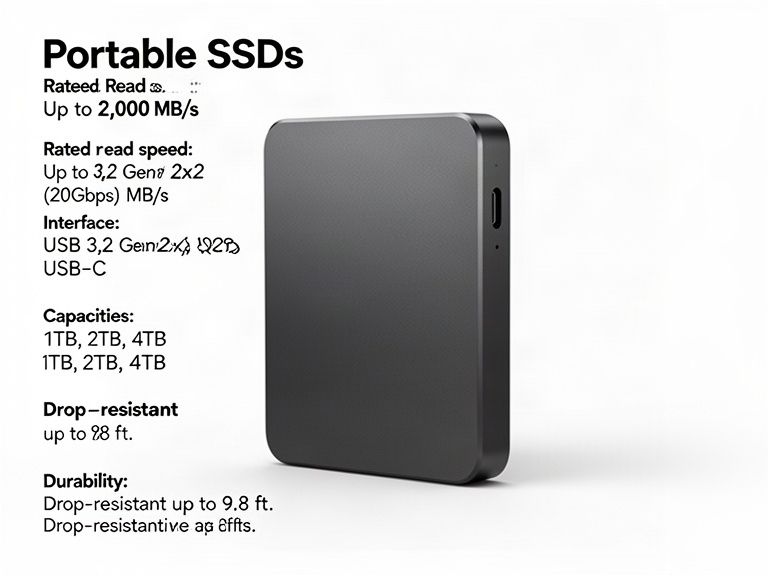 Best for fast Windows PCs Samsung T9 Portable SSD
PCs with a 20Gbps USB-C port
8.8 Buy Now on Amazon
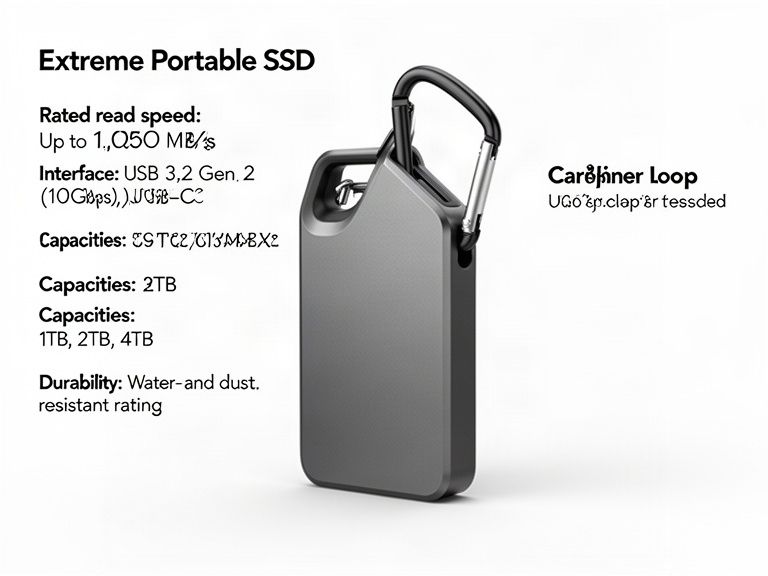 Best for travel SanDisk Extreme Portable SSD
Travelers and photographers who clip a drive to their bag
8.6 Buy Now on Amazon
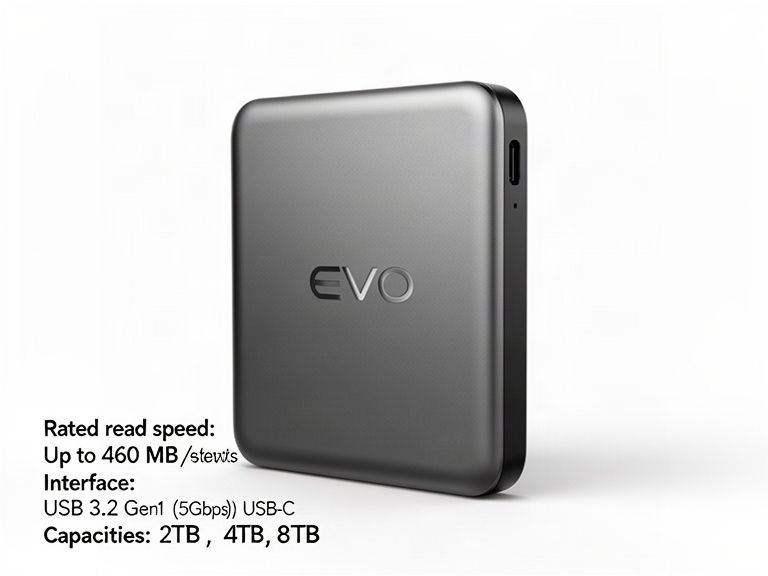 Best high capacity Samsung T5 EVO Portable SSD
Big photo and video archives that need to travel
8.2 Buy Now on Amazon
AI picture
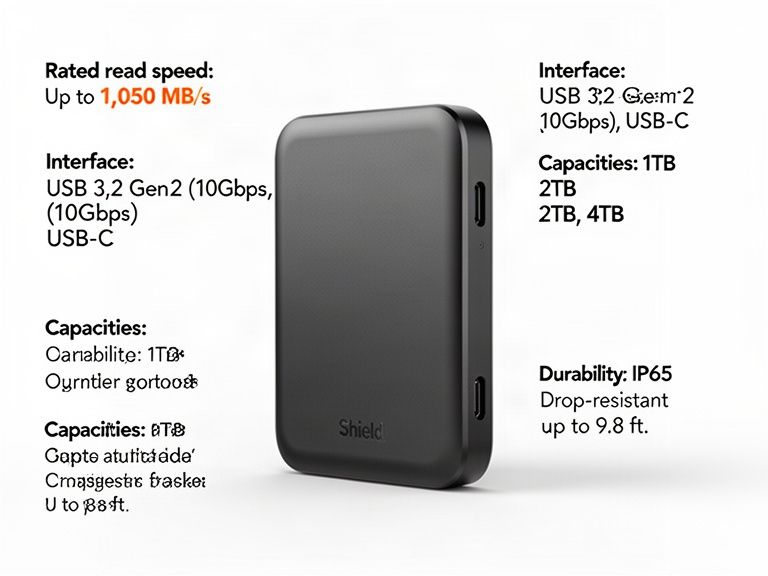
- Rated read speedUp to 1,050 MB/s
- InterfaceUSB 3.2 Gen 2 (10Gbps), USB-C
- Capacities1TB, 2TB, 4TB
- DurabilityIP65; drop-resistant up to 9.8 ft
#1Best overall9.3/10
Samsung T7 Shield Portable SSD
Samsung
A rubber-armored USB-C drive with 10Gbps speeds, dust and water resistance and a high drop rating.
Good for: Most people who want a tough, fast everyday drive
- Full speed on the 10Gbps USB ports almost every laptop has
- IP65 dust and water resistance plus a 9.8-foot drop rating
- Available in sizes up to 4TB
- Optional password protection through Samsung's software
- Rubber skin picks up lint and dust
- No faster on 20Gbps or USB4 ports
- Bulkier than bare drives like the Kingston XS1000
The T7 Shield takes Samsung's popular T7 and wraps it in a rubberized shell, adding an IP65 rating for dust and water spray and a drop rating of up to 9.8 feet. Inside, it follows a proven formula: a USB 3.2 Gen 2 interface rated at up to 1,050 MB/s, which is the fastest speed most Windows laptops and every Mac can use with a 10Gbps drive.
That makes it a sensible default for almost anyone. It is quick enough to work on 4K video straight from the drive, small enough for a jacket pocket and tough enough to toss in a camera bag. Capacities run to 4TB, and Samsung's software adds optional password protection.
The trade-offs are minor. The rubber coating collects lint, and if your PC has a 20Gbps or USB4 port, faster drives are available.
The short version: The best all-round portable SSD for most people: fast on any modern laptop, rugged and available in useful sizes.
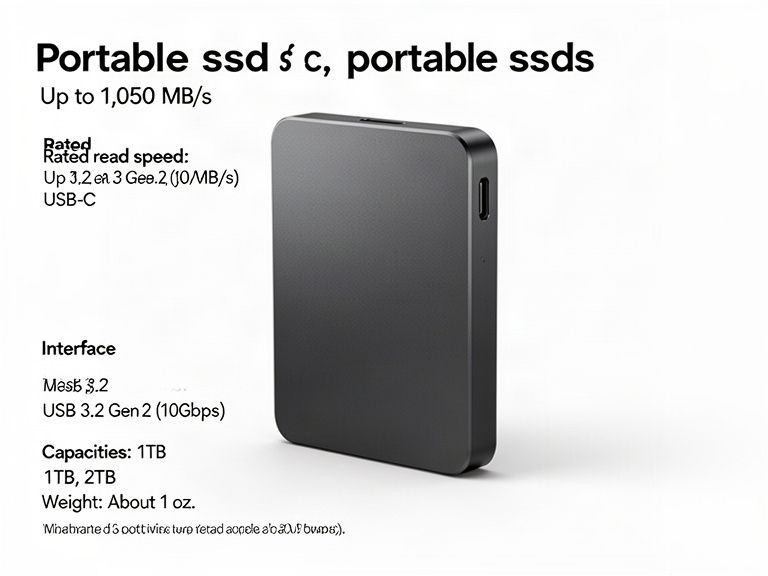
AI picture- Rated read speedUp to 1,050 MB/s
- InterfaceUSB 3.2 Gen 2 (10Gbps), USB-C
- Capacities1TB, 2TB
- WeightAbout 1 oz
#2Best value8.7/10
Kingston XS1000 Portable SSD
Kingston
A key-fob-size USB-C drive that delivers 10Gbps-class speeds at a budget-friendly price.
Good for: Budget-minded buyers who want a tiny drive
- One of the smallest and lightest drives in its class
- Same rated read speed as many pricier 10Gbps drives
- Budget-friendly for the performance
- Works with Windows, macOS and Android devices
- No hardware encryption or password software
- No dust or water rating
- Fewer capacity options than rivals
Kingston's XS1000 is about the size of a car key fob and weighs roughly an ounce, yet it is rated at the same 1,050 MB/s read speed as far bulkier drives. For anyone who mainly wants a fast, pocketable place for documents, photos and project files, that is exactly the right set of priorities.
The savings come from features rather than speed. There is no hardware encryption, no password software and no water or dust rating, and the capacity range is narrower than Samsung's or SanDisk's. Its tiny size also makes it easier to misplace, so a lanyard or keyring loop is a smart addition.
If you need a no-fuss drive for school, moving work files between computers or a second backup copy at home, the XS1000 gives you the speed that matters for less.
The short version: A tiny, quick drive that covers everyday transfers and backups without paying for extras you may not need.
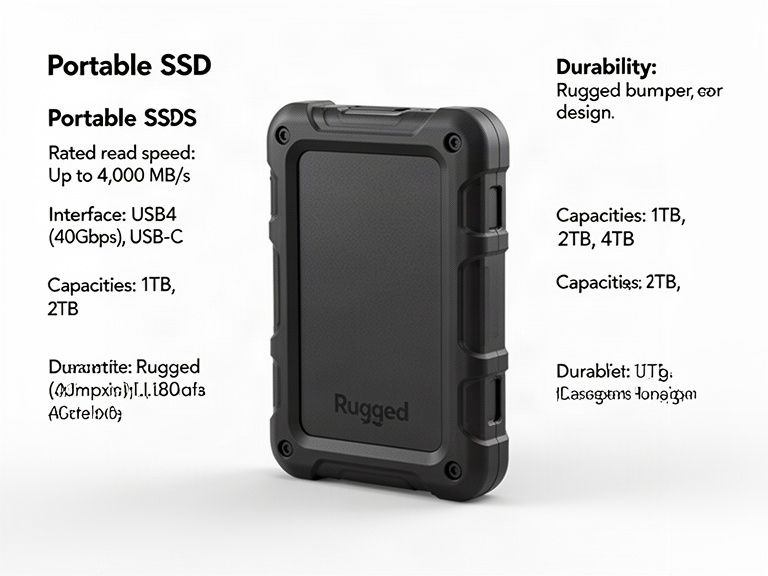
AI picture- Rated read speedUp to 4,000 MB/s
- InterfaceUSB4 (40Gbps), USB-C
- Capacities1TB, 2TB, 4TB
- DurabilityRugged bumper design
#3Best for Mac video editing8.9/10
LaCie Rugged SSD4 (USB4)
LaCie
A rugged USB4 drive rated at up to 4,000 MB/s on Apple silicon Macs and PCs with USB4 or Thunderbolt 4 ports.
Good for: Mac and USB4 PC owners editing video from the drive
- Roughly four times the speed of 10Gbps drives on a USB4 or Thunderbolt 4 port
- Fast enough to edit high-bitrate video directly from the drive
- LaCie's travel-ready rugged design
- Still works on older USB-C ports at lower speeds
- Premium-priced
- Full speed needs a USB4 or Thunderbolt 4 port and a 40Gbps cable
- More drive than you need for documents and photo backups
For Mac owners, USB4 is the speed upgrade that actually works. Apple silicon Macs don't support 20Gbps USB, but their Thunderbolt ports run 40Gbps USB4 drives at full speed, and the LaCie Rugged SSD4 is rated at up to 4,000 MB/s read. Recent Windows laptops with USB4 or Thunderbolt 4 ports benefit in the same way.
That speed is what video editors and photographers working with large raw files will notice. Scrubbing through 4K or higher-resolution footage stored on the drive feels much closer to working from internal storage, and offloading a full day of footage takes far less time. LaCie, Seagate's creative-focused brand, keeps the rugged styling its drives are known for, so it is built to ride in a production bag.
For most people this is more drive than needed — on a standard 10Gbps port it runs at roughly the same speed as a T7 Shield. Buy it only if you have the port to use it.
The short version: The pick for Mac-based creators who want near-internal speeds from a drive they can carry to a shoot.
AI picture- Rated read speedUp to 2,000 MB/s
- InterfaceUSB 3.2 Gen 2x2 (20Gbps), USB-C
- Capacities1TB, 2TB, 4TB
- DurabilityDrop-resistant up to 9.8 ft
#4Best for fast Windows PCs8.8/10
Samsung T9 Portable SSD
Samsung
A 20Gbps drive that roughly doubles 10Gbps speeds on Windows PCs with a matching USB port.
Good for: PCs with a 20Gbps USB-C port
- Up to 2,000 MB/s on 20Gbps USB ports
- Designed to hold its speed during long, large transfers
- Rubberized, drop-resistant shell
- Available up to 4TB
- Few laptops and no Macs support 20Gbps USB
- Runs at roughly 10Gbps speeds on a Mac
- Premium-priced compared with 10Gbps drives
USB 3.2 Gen 2x2 is the least understood USB standard. It doubles a standard 10Gbps port to 20Gbps, but only a minority of computers support it — mostly desktops with recent motherboards and some performance laptops. If your PC is one of them, the Samsung T9 is a straightforward way to use that port, with a rated read speed of up to 2,000 MB/s.
Samsung also built the T9 for sustained transfers, which matters for video editors and game developers moving hundreds of gigabytes at once rather than a few photos. The rubberized shell is drop-resistant up to 9.8 feet, and capacities run to 4TB.
The catch is compatibility. Macs don't support 20Gbps USB mode, so on a MacBook the T9 behaves like a 10Gbps drive, and many Windows laptops lack the port too. Check your computer's specs before paying extra.
The short version: Worth it only if your PC has a 20Gbps USB-C port; then it is one of the fastest USB drives you can plug in.
AI picture- Rated read speedUp to 1,050 MB/s
- InterfaceUSB 3.2 Gen 2 (10Gbps), USB-C
- Capacities1TB, 2TB, 4TB
- DurabilityWater- and dust-resistant rating; carabiner loop
#5Best for travel8.6/10
SanDisk Extreme Portable SSD
SanDisk
A slim, rubber-coated 10Gbps drive with a carabiner loop and password protection.
Good for: Travelers and photographers who clip a drive to their bag
- Carabiner loop makes it easy to clip to a backpack or camera bag
- Full 10Gbps speed on most laptops
- Password protection with hardware encryption
- Slim, light body
- Some units were caught up in widely reported data-loss problems in 2023, later addressed with firmware
- No faster on 20Gbps or USB4 ports
SanDisk's Extreme Portable SSD is designed around travel. A rubber-coated shell and a loop at one corner let you clip it to a backpack strap or camera bag, and it carries a water- and dust-resistance rating. Performance matches other 10Gbps drives, at up to 1,050 MB/s read, and password protection with hardware encryption is included.
It is worth knowing the line's history. In 2023, some Extreme and Extreme PRO portable SSDs were linked to widely reported data-loss problems, and a firmware update was released in response. With any unit you buy, install the latest firmware using SanDisk's utility as soon as you unbox it, and — as with any single drive — keep important files somewhere else too.
Treated that way, it remains one of the most convenient portable SSDs to carry, and its slim shape slips into pockets that chunkier rugged drives don't.
The short version: A convenient, clip-on travel drive — update the firmware first and keep a second copy of anything important.
AI picture- Rated read speedUp to 460 MB/s
- InterfaceUSB 3.2 Gen 1 (5Gbps), USB-C
- Capacities2TB, 4TB, 8TB
#6Best high capacity8.2/10
Samsung T5 EVO Portable SSD
Samsung
A portable SSD available in sizes up to 8TB that trades speed for space.
Good for: Big photo and video archives that need to travel
- Available in an 8TB size that few portable SSDs offer
- Roughly three times the speed of a typical portable hard drive
- No moving parts, so it copes with bumps better than a spinning disk
- Compact enough for a laptop bag
- Less than half the speed of 10Gbps drives
- Larger and heavier than Samsung's T7 family
- Premium-priced at the 8TB size
Most portable SSDs stop at 4TB. The Samsung T5 EVO goes to 8TB, which makes it one of the few ways to carry an entire photo archive, a large video library or a full backup of a big desktop drive in something that fits in a coat pocket.
To get there, Samsung uses a slower 5Gbps USB interface rated at up to 460 MB/s. That is still about three times the speed of a typical portable hard drive and fast enough for backups, media playback and moving finished projects, but it is not the drive for editing high-bitrate video directly.
Think of the T5 EVO as a replacement for a portable hard drive rather than a working drive: large, sturdy and silent, with no spinning parts to worry about when it gets bumped around in a bag.
The short version: The portable SSD to buy when capacity matters more than speed.
Compare at a glance
| Pick | Rated read speed | Interface | Capacities | Durability | Score |
|---|---|---|---|---|---|
| #1 Samsung T7 Shield Portable SSD | Up to 1,050 MB/s | USB 3.2 Gen 2 (10Gbps), USB-C | 1TB, 2TB, 4TB | IP65; drop-resistant up to 9.8 ft | 9.3 |
| #2 Kingston XS1000 Portable SSD | Up to 1,050 MB/s | USB 3.2 Gen 2 (10Gbps), USB-C | 1TB, 2TB | — | 8.7 |
| #3 LaCie Rugged SSD4 (USB4) | Up to 4,000 MB/s | USB4 (40Gbps), USB-C | 1TB, 2TB, 4TB | Rugged bumper design | 8.9 |
| #4 Samsung T9 Portable SSD | Up to 2,000 MB/s | USB 3.2 Gen 2x2 (20Gbps), USB-C | 1TB, 2TB, 4TB | Drop-resistant up to 9.8 ft | 8.8 |
| #5 SanDisk Extreme Portable SSD | Up to 1,050 MB/s | USB 3.2 Gen 2 (10Gbps), USB-C | 1TB, 2TB, 4TB | Water- and dust-resistant rating; carabiner loop | 8.6 |
| #6 Samsung T5 EVO Portable SSD | Up to 460 MB/s | USB 3.2 Gen 1 (5Gbps), USB-C | 2TB, 4TB, 8TB | — | 8.2 |
Specs come from manufacturer listings when we wrote this guide and can change between production runs.
Buying tips
Match the drive's speed to your port
Portable SSDs fall into four speed tiers, set by the USB standard they use:
- USB 3.2 Gen 1 (5Gbps): up to about 450 MB/s. Fine for photo libraries and documents, and still far quicker than a hard drive.
- USB 3.2 Gen 2 (10Gbps): up to about 1,050 MB/s. The sweet spot — almost every modern laptop and every recent Mac supports it.
- USB 3.2 Gen 2x2 (20Gbps): up to about 2,000 MB/s, but only on PCs with a 20Gbps port. Macs don't support this mode, so these drives fall back to roughly 10Gbps speeds on a Mac.
- USB4 or Thunderbolt (40Gbps): up to about 4,000 MB/s on Apple silicon Macs and recent PCs with USB4 or Thunderbolt 4 ports.
Check your computer's port specs before paying for a faster tier. A 2,000 MB/s drive on a 10Gbps port performs like a 1,000 MB/s drive.
How much capacity do you need?
- 1TB: current projects, a photo library or a year of phone videos.
- 2TB: the best balance for most people, including Time Machine backups of a 1TB Mac.
- 4TB and up: video editors, photographers shooting raw files and anyone backing up several computers.
As a rule, buy about twice the capacity of the data you plan to keep on the drive. SSDs slow down when they are nearly full.
Mac, PC, iPad and phone compatibility
Most portable SSDs ship formatted as exFAT, which both Windows and macOS can read and write — the right choice if you move files between platforms. If the drive will only ever be a Mac backup, reformat it as APFS; for a Windows-only drive, NTFS is fine. iPads and Android phones with USB-C can open files on exFAT drives, and some recent iPhone Pro models can record video straight to an external SSD.
Durability and security features worth paying for
- IP ratings such as IP65 mean the drive is protected against dust and water spray; they are not an invitation to submerge it.
- Drop ratings of 6 to 10 feet matter if the drive lives in a camera bag.
- Hardware encryption with a password keeps your data private if the drive is lost. Samsung and SanDisk offer password software for several of their drives.
What you can skip
Don't pay for speed your ports can't deliver. If your laptop only has 10Gbps USB-C ports, a USB 3.2 Gen 2 drive is all you need. And skip unbranded drives with huge capacities at suspiciously low prices — fake-capacity drives that lose data after the first few gigabytes are a known problem.
Care and backup tips
Eject the drive before unplugging it, and use the short cable that came in the box; long or low-quality cables can cut speed or cause disconnects. Install firmware updates with the maker's utility. Most importantly, a portable SSD is one copy, not a backup plan: keep important files in at least two places, ideally with one copy in the cloud or at another location.
FAQ
QIs a portable SSD better than an external hard drive?
For speed, size and toughness, yes: a portable SSD is several times faster, much smaller and has no moving parts. External hard drives still cost much less per terabyte, so they remain the better buy for very large archives you rarely open.
QWhy is my portable SSD slower than its rated speed?
The usual causes are a slower USB port, a long or USB 2.0 cable, a USB hub, or copying thousands of small files instead of a few large ones. Rated speeds are best-case sequential figures on a matching port, so real-world copies are often a bit slower.
QCan I use a portable SSD for Time Machine backups on a Mac?
Yes. macOS will offer to reformat the drive for Time Machine when you select it. Pick a drive at least twice the size of the data on your Mac so it can keep older versions of your files.
QWill a portable SSD work with my iPad or Android phone?
Most USB-C iPads and Android phones can read and write exFAT-formatted SSDs through their Files apps. Bus power can be limited on phones, so a low-power 10Gbps drive is the most dependable choice for that use.
QHow long do portable SSDs last?
For typical backup and transfer use, a quality portable SSD should last many years. SSDs are not ideal for archives left unplugged for years at a time, though, so keep long-term files on more than one device and check them occasionally.
How we picked
We compared manufacturer specifications for widely available portable SSDs in the US — rated read speeds, USB, USB4 or Thunderbolt interface, capacity options, durability and water-resistance ratings and encryption support — and weighed how each fits Windows PCs, Macs and creative work. Our picks and scores are based on this research; we have not tested these products hands-on. Brands cannot pay to be included. Read our full method.
In the same aisle
More portable ssds to browse
A random pull from our product catalog, not ranked or reviewed.