Best USB Flash Drives in 2026
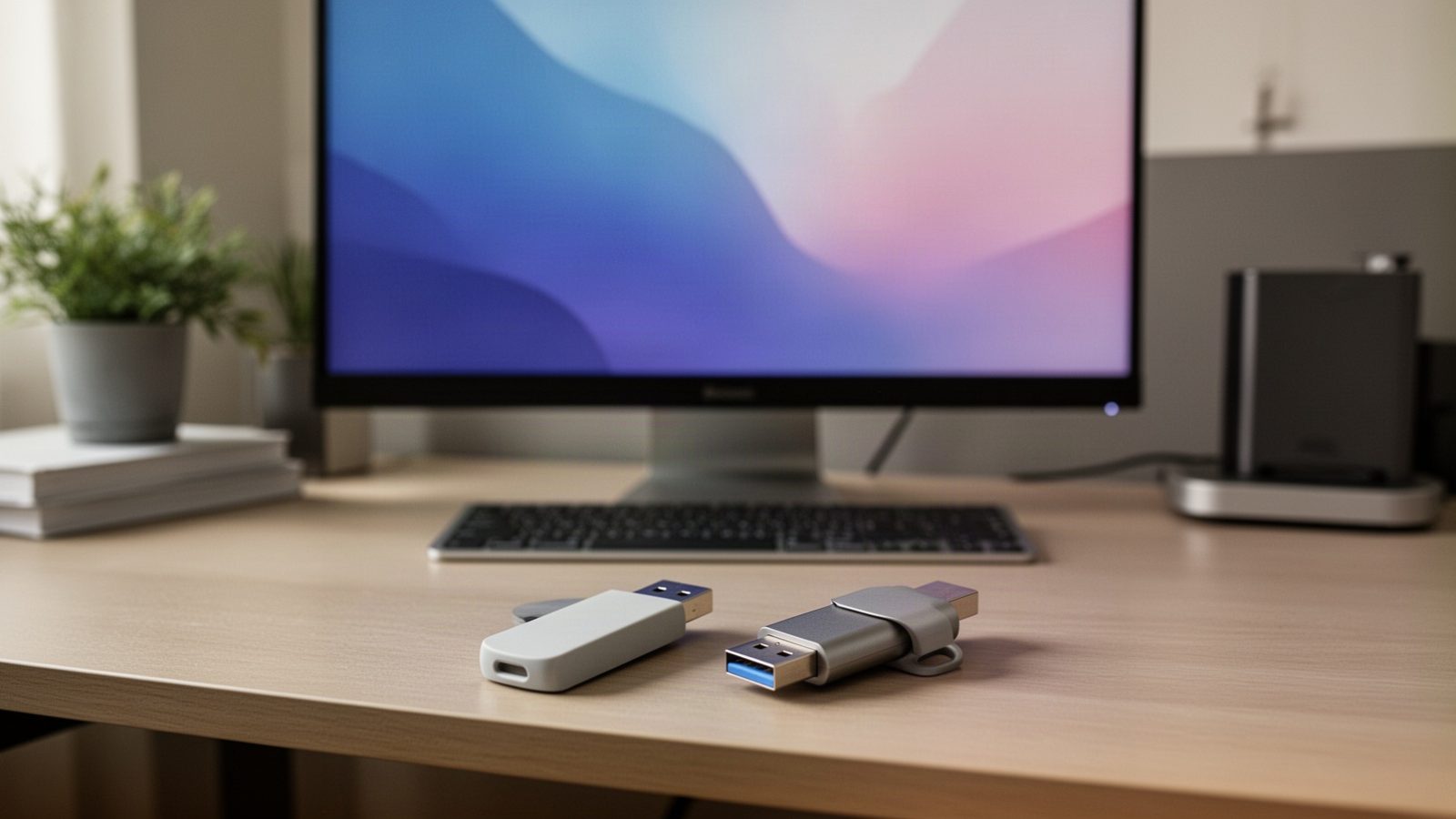
Six USB flash drives compared — sturdy keychain drives, tiny plug-and-stay models, dual USB-C drives for phones and an encrypted drive for sensitive files.
- 6 picks
- 6 min read
- Updated Nov 20, 2026
As an Amazon Associate I earn from qualifying purchases. If you buy through a link here we may earn a commission, at no extra cost to you. Details
USB flash drives are still the simplest way to hand someone a file, carry documents to a print shop, store a Windows or Linux installer, or add a little storage to a laptop, TV or car stereo. They need no app or account, and nearly every computer and many TVs and printers can read them.
The catch is that flash drives vary far more than their size suggests. Two drives with the same capacity can differ by several times in transfer speed, and bargain-bin, no-name models often use slow memory or even report a fake capacity. We compared well-known drives from Samsung, SanDisk and Kingston on connector type, USB standard, rated speeds, build quality, security features and warranty, then picked the best for everyday carry, large files, USB-C phones and laptops, permanent installs and sensitive data.
The lineup
 Best for large files SanDisk Extreme PRO USB 3.2 Solid State Flash Drive
Moving big video files and project folders
8.9 Buy Now on Amazon
 Best for USB-C phones and laptops SanDisk Ultra Dual Drive Luxe (USB-C and USB-A)
Moving files between phones, new laptops and older PCs
8.7 Buy Now on Amazon
 Best plug-and-stay Samsung FIT Plus USB Flash Drive
Laptops, TVs and car stereos that need permanent extra storage
8.5 Buy Now on Amazon
 Best for sensitive files Kingston IronKey Vault Privacy 50 Encrypted USB Drive
Client files, tax records and other private data
8.4 Buy Now on Amazon
 Best budget Kingston DataTraveler Exodia USB Flash Drive
Spare drives, classrooms and handing out files
8.0 Buy Now on Amazon
 AI picture
- ConnectorUSB-A
- USB standardUSB 3.2 Gen 1 (5Gbps)
- DesignMetal body with key-ring loop
- Rated read speedUp to 400 MB/s
- Capacities64GB to 512GB
#1Best overall9.1/10
Samsung BAR Plus USB Flash Drive
Samsung
A sleek metal USB-A drive with fast reads, a key-ring loop and a five-year warranty.
Good for: Everyday carry on a keyring
- Fast rated reads for a mainstream flash drive
- Durable metal body that handles a keyring well
- Samsung rates it water-, shock-, magnet-, temperature- and X-ray-proof
- Five-year limited warranty
- Write speeds are much lower than read speeds
- USB-A only — USB-C laptops need an adapter
- Smaller sizes are slower than the 256GB and 512GB versions
The Samsung BAR Plus gets the basics right. It is a slim, all-metal USB-A drive with a loop for a keyring, and Samsung rates it at up to 400 MB/s read — quick enough to pull a folder of photos or a video file off it in seconds. Samsung also rates it as water-, shock-, magnet-, temperature- and X-ray-proof, and backs it with a five-year limited warranty.
It is the kind of drive you can leave on your keys for years. The metal body shrugs off scratches better than plastic, and with no cap there is nothing to lose.
Two caveats. Like most flash drives, it writes much more slowly than it reads, so copying a large batch of files onto it takes longer than copying them off. And it is USB-A only; if most of your devices are USB-C, look at a dual-connector drive instead.
The short version: A tough, quick, well-warranted flash drive for everyday carry.
AI picture- ConnectorUSB-A
- USB standardUSB 3.2 Gen 1 (5Gbps)
- DesignAluminum body, retractable connector
- Rated read speedUp to 420 MB/s
- CapacitiesUp to 1TB
#2Best for large files8.9/10
SanDisk Extreme PRO USB 3.2 Solid State Flash Drive
SanDisk
An SSD-style flash drive with fast reads and writes in an aluminum body with a retractable connector.
Good for: Moving big video files and project folders
- SSD-class write speeds, not just fast reads
- Retractable connector means no cap to lose
- Sturdy aluminum housing
- Large capacities for video and project files
- Premium-priced for a flash drive
- Bulkier than standard keychain drives
- USB-A only
Most flash drives read quickly but write slowly, which is why copying a big video onto one can take far longer than you expect. The SanDisk Extreme PRO USB 3.2 Solid State Flash Drive is built differently: it uses SSD-style internals, so it is fast in both directions, with rated reads of up to 420 MB/s.
That makes it a good fit for video editors, photographers and students who regularly move large files between computers but don't want to carry a separate SSD and cable. The aluminum body and retractable connector also make it sturdier than typical capped drives.
It costs noticeably more than standard flash drives and is a bit larger, so it is overkill for carrying documents. And at the top capacities, a small portable SSD may offer more speed for similar money if your computer has a fast USB-C port.
The short version: The flash drive to buy when write speed matters as much as read speed.
AI picture- ConnectorUSB-C + USB-A
- USB standardUSB 3.2 Gen 1 (5Gbps)
- DesignAll-metal swivel design
#3Best for USB-C phones and laptops8.7/10
SanDisk Ultra Dual Drive Luxe (USB-C and USB-A)
SanDisk
An all-metal swivel drive with a USB-C plug on one end and USB-A on the other.
Good for: Moving files between phones, new laptops and older PCs
- Works with USB-C phones, tablets and laptops and with USB-A computers
- Swivel design protects whichever plug isn't in use
- Metal body with a keyring hole
- SanDisk Memory Zone app helps back up Android phones
- Slower than SSD-style flash drives
- The swivel can catch on keys in a pocket
- Read and write speeds vary by capacity
If you own a USB-C phone or laptop but still run into USB-A ports at work, school or the print shop, a dual-connector drive saves carrying adapters. The SanDisk Ultra Dual Drive Luxe puts a USB-C plug on one end and USB-A on the other, with a metal swivel cover that protects the plug you're not using.
It is especially handy for phones. On Android, SanDisk's Memory Zone app can back up photos and videos to the drive, and on iPhones and iPads with USB-C, the drive shows up in the Files app. That makes it an easy way to free up phone storage before a trip.
Speeds are fine for photos and documents but not in the same class as SSD-style drives, and published rates vary by capacity. For moving big video projects every day, the SanDisk Extreme PRO is the better tool.
The short version: The most practical flash drive for anyone living between USB-C and USB-A devices.
AI picture- ConnectorUSB-A
- USB standardUSB 3.2 Gen 1 (5Gbps)
- DesignTiny low-profile body
- Rated read speedUp to 400 MB/s
- CapacitiesUp to 512GB
#4Best plug-and-stay8.5/10
Samsung FIT Plus USB Flash Drive
Samsung
A tiny USB-A drive that barely sticks out of a port, made to stay plugged in.
Good for: Laptops, TVs and car stereos that need permanent extra storage
- Barely protrudes from the port, so it can stay plugged in
- Fast rated reads for its size
- Good for adding music to a car stereo or media to a TV
- Five-year limited warranty
- Easy to lose once unplugged
- Small body can get warm during long transfers
- USB-A only
Some flash drives are made to be carried; the Samsung FIT Plus is made to be forgotten. It is so small that it barely sticks out of a USB-A port, which makes it a neat way to add permanent storage to a laptop, a music library to a car stereo, or movies and photos to a smart TV or media player.
Despite its size, Samsung rates it at up to 400 MB/s read in larger capacities, and it carries the same five-year limited warranty as the BAR Plus. A small hole lets you attach a strap, which is worth doing if you'll ever take it out.
The flip side of a tiny drive is that it is easy to misplace once unplugged, and small bodies can get warm during long, heavy transfers. For carrying files around, a larger drive on a keyring is more practical.
The short version: The best way to add storage that stays plugged in without snagging on anything.
AI picture- ConnectorUSB-A (USB-C version available)
- USB standardUSB 3.2 Gen 1 (5Gbps)
- DesignHardware-encrypted, password-protected
- EncryptionXTS-AES 256-bit
#5Best for sensitive files8.4/10
Kingston IronKey Vault Privacy 50 Encrypted USB Drive
Kingston
A hardware-encrypted, password-protected drive designed for business and personal data you need to keep private.
Good for: Client files, tax records and other private data
- Hardware encryption with password protection
- Protection against brute-force password guessing
- Business-grade security features
- USB-C version available
- Premium-priced compared with ordinary flash drives
- Password setup takes a few minutes
- Forgetting the password means losing the data
An ordinary flash drive can be read by anyone who finds it. The Kingston IronKey Vault Privacy 50 can't: data is encrypted in hardware with XTS-AES 256-bit encryption, and the drive only unlocks with your password. Repeated wrong guesses trigger brute-force protection, so a lost drive doesn't become a data breach.
That makes it a sensible buy for freelancers and small businesses carrying client files, people moving tax documents or medical paperwork, and anyone whose workplace requires encrypted removable storage. Kingston offers it in both USB-A and USB-C versions.
The trade-offs are cost and responsibility. It is premium-priced next to standard drives, unlocking it adds a step every time you plug it in, and if you forget the password, the data is gone for good. Store the password in a password manager before you put anything important on it.
The short version: Worth the premium when the files you carry would cause real trouble in the wrong hands.
AI picture- ConnectorUSB-A
- USB standardUSB 3.2 Gen 1 (5Gbps)
- DesignPlastic body with cap and key loop
- Rated read speedUp to 100 MB/s
#6Best budget8.0/10
Kingston DataTraveler Exodia USB Flash Drive
Kingston
A basic, budget-friendly USB 3.2 drive from a major brand, ideal when you need several.
Good for: Spare drives, classrooms and handing out files
- Budget-friendly, especially in multipacks
- Genuine capacity from an established brand
- Protective cap and key loop
- Fast enough for documents and installers
- Slow write speeds for large files
- Plastic body is less durable than metal drives
- The cap is easy to lose
Sometimes you just need a few dependable drives: one for a Windows installer, one for school assignments and one to hand to a colleague. The Kingston DataTraveler Exodia fills that role. It is a simple plastic USB-A drive with a cap and key loop, rated at up to 100 MB/s read, and it comes from a brand you can trust to deliver the capacity on the label.
That last point matters more than it sounds. Bargain no-name drives are where fake capacities and early failures tend to show up, so a modestly priced name-brand drive is the smarter budget buy.
Expect slow writes when copying big videos, and a body that won't survive years on a keyring as well as metal drives. For documents, presentations and boot installers, it is all you need.
The short version: A trustworthy, budget-friendly drive for everyday files and installers.
Compare at a glance
| Pick | Connector | USB standard | Design | Rated read speed | Score |
|---|---|---|---|---|---|
| #1 Samsung BAR Plus USB Flash Drive | USB-A | USB 3.2 Gen 1 (5Gbps) | Metal body with key-ring loop | Up to 400 MB/s | 9.1 |
| #2 SanDisk Extreme PRO USB 3.2 Solid State Flash Drive | USB-A | USB 3.2 Gen 1 (5Gbps) | Aluminum body, retractable connector | Up to 420 MB/s | 8.9 |
| #3 SanDisk Ultra Dual Drive Luxe (USB-C and USB-A) | USB-C + USB-A | USB 3.2 Gen 1 (5Gbps) | All-metal swivel design | — | 8.7 |
| #4 Samsung FIT Plus USB Flash Drive | USB-A | USB 3.2 Gen 1 (5Gbps) | Tiny low-profile body | Up to 400 MB/s | 8.5 |
| #5 Kingston IronKey Vault Privacy 50 Encrypted USB Drive | USB-A (USB-C version available) | USB 3.2 Gen 1 (5Gbps) | Hardware-encrypted, password-protected | — | 8.4 |
| #6 Kingston DataTraveler Exodia USB Flash Drive | USB-A | USB 3.2 Gen 1 (5Gbps) | Plastic body with cap and key loop | Up to 100 MB/s | 8.0 |
Specs come from manufacturer listings when we wrote this guide and can change between production runs.
Buying tips
USB-A, USB-C or both?
- USB-A is the classic rectangular plug, still found on most desktops, TVs, printers and car stereos.
- USB-C fits newer laptops, MacBooks, iPads, recent iPhones and Android phones.
- Dual drives have both connectors, which is handy for moving photos off a phone or between an older PC and a newer laptop.
If you're not sure which ports you'll meet, a dual-connector drive covers both. Avoid relying on small USB-A-to-C adapters for daily use; they are easy to lose and can loosen over time.
Speed: what the labels mean
"USB 3.2 Gen 1" (also sold as USB 3.0 or USB 3.1 Gen 1) allows up to 5Gbps, but the memory inside sets the real speed. Basic drives often read at around 100 MB/s and write much more slowly; better drives read at 300–400 MB/s; SSD-style flash drives are fast at both reading and writing. Write speed matters most when you copy large files onto the drive, and it is often the number left off the package. Larger capacities of the same drive are frequently faster than the smallest ones.
How much capacity?
- 32–64GB: documents, presentations and bootable installers (a Windows installer needs at least 8GB).
- 128–256GB: photo collections, music and video.
- 512GB–1TB: big video files and full project folders — at this size, a portable SSD is often the better buy.
Design and durability
Metal bodies survive keyrings better than plastic, and capless designs (retractable or swivel) can't lose their caps. Tiny "plug-and-stay" drives barely stick out of a port, which suits laptops, car stereos and TVs. Water- and shock-resistance claims are welcome, but they are not a substitute for keeping a second copy.
Security and formatting
For tax records, client files or medical paperwork, consider a hardware-encrypted drive with a password, which keeps data unreadable if the drive is lost. Format drives as exFAT for files larger than 4GB that need to work on both Windows and Mac. FAT32 is still needed by some older TVs, cameras and car stereos, but it limits single files to 4GB.
What to avoid
Skip unbranded drives that promise huge capacities for very little money. Fake-capacity drives report, say, 1TB but silently lose data after the first few gigabytes. Buy well-known brands from reputable sellers, and test a new drive with a capacity-checking tool if you have doubts. Finally, flash drives are for moving and carrying files — don't make one the only copy of anything important, and don't leave archives on a drive in a drawer for years without checking them.
FAQ
QAre USB flash drives good for long-term storage?
Not on their own. Flash memory can lose data if a drive sits unused for years, and small drives are easy to lose or damage. Use them to move and carry files, and keep long-term archives on a backup drive or cloud storage as well.
QWhy is my flash drive copying so slowly?
Common causes are a slow write speed (many drives write far slower than they read), a USB 2.0 port, or copying thousands of small files instead of a few large ones. Try a blue or SS-marked USB 3 port and compress large folders before copying.
QHow do I make a bootable USB drive for Windows?
Use Microsoft's Media Creation Tool with a drive of at least 8GB. The tool erases the drive, so copy off anything you need first. For Linux installers, follow the instructions from the distribution's website.
QCan I use a USB-C flash drive with an iPhone?
Yes, on iPhones with a USB-C port. The drive appears in the Files app, where you can copy photos and documents. Use exFAT formatting for the best compatibility between iPhone, Windows and Mac.
QWhy does my 128GB drive show less space than advertised?
Makers count a gigabyte as 1,000 megabytes, while computers often count in binary units, and formatting uses a little space too. A 128GB drive typically shows around 115–119GB of usable space, which is normal.
How we picked
We compared manufacturer specifications for popular USB flash drives in the US — connector type, USB standard, rated read and write speeds where published, capacity range, housing and connector design, security features and warranty terms — and weighed how each suits everyday carry, large transfers, phones and sensitive data. Our picks and scores are based on this research; we have not tested these products hands-on. Brands cannot pay to be included. Read our full method.
In the same aisle
More usb flash drives to browse
A random pull from our product catalog, not ranked or reviewed.